
Expand Creative Possibilities
Define the talent, build the outfit, and save both as one reusable look.
Outfits gives agencies and brands a consistent person and wardrobe to use across every image.
Start with saved talent, describe someone from scratch, or upload a reference to build the brief. Add brand wardrobe or describe the pieces, style the full look, then save the talent and outfit together.
What you get
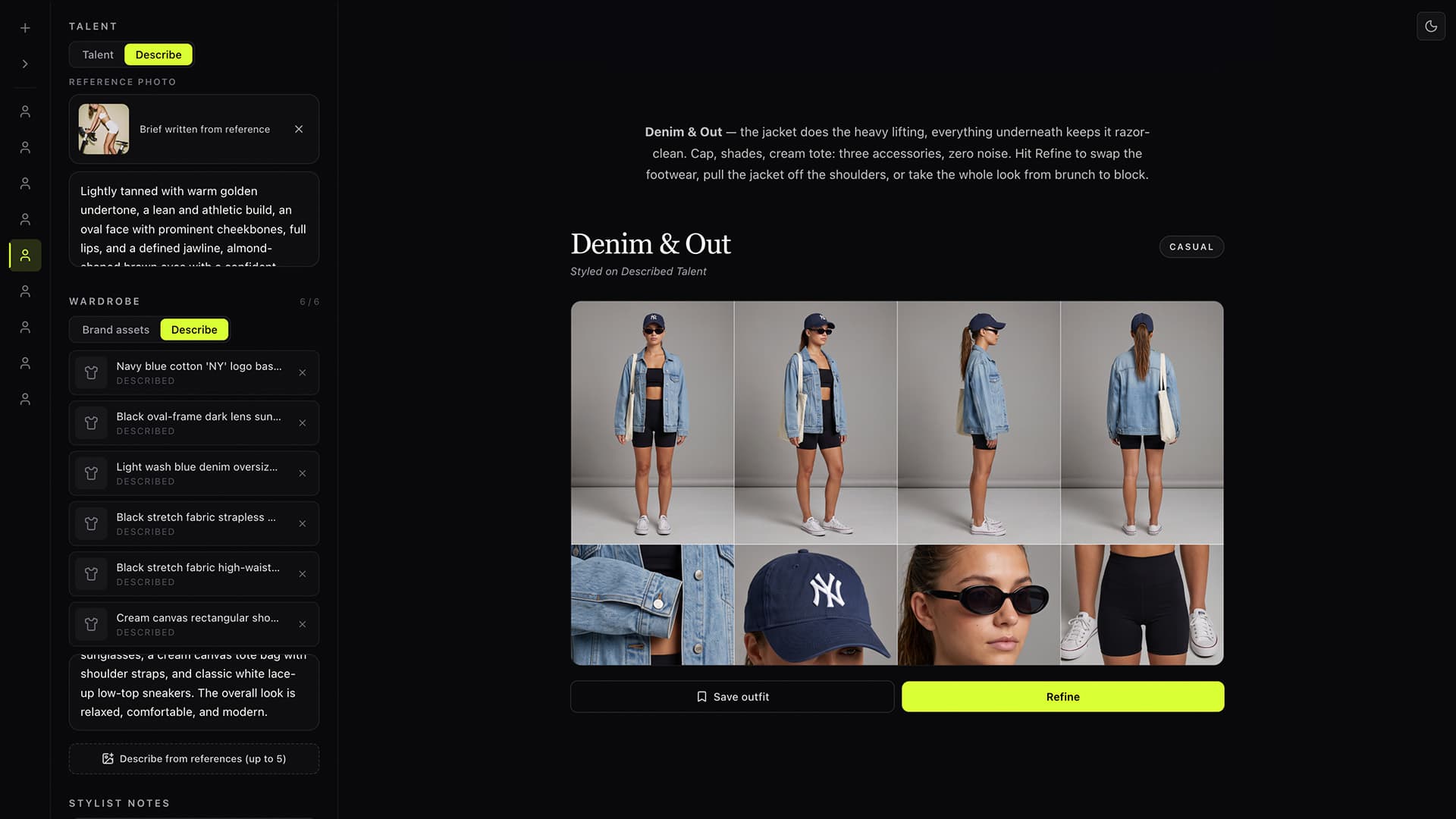
Start with a model, words, or an image.
Choose talent from your library, describe someone from scratch, or upload a reference photo to automatically build the talent brief.
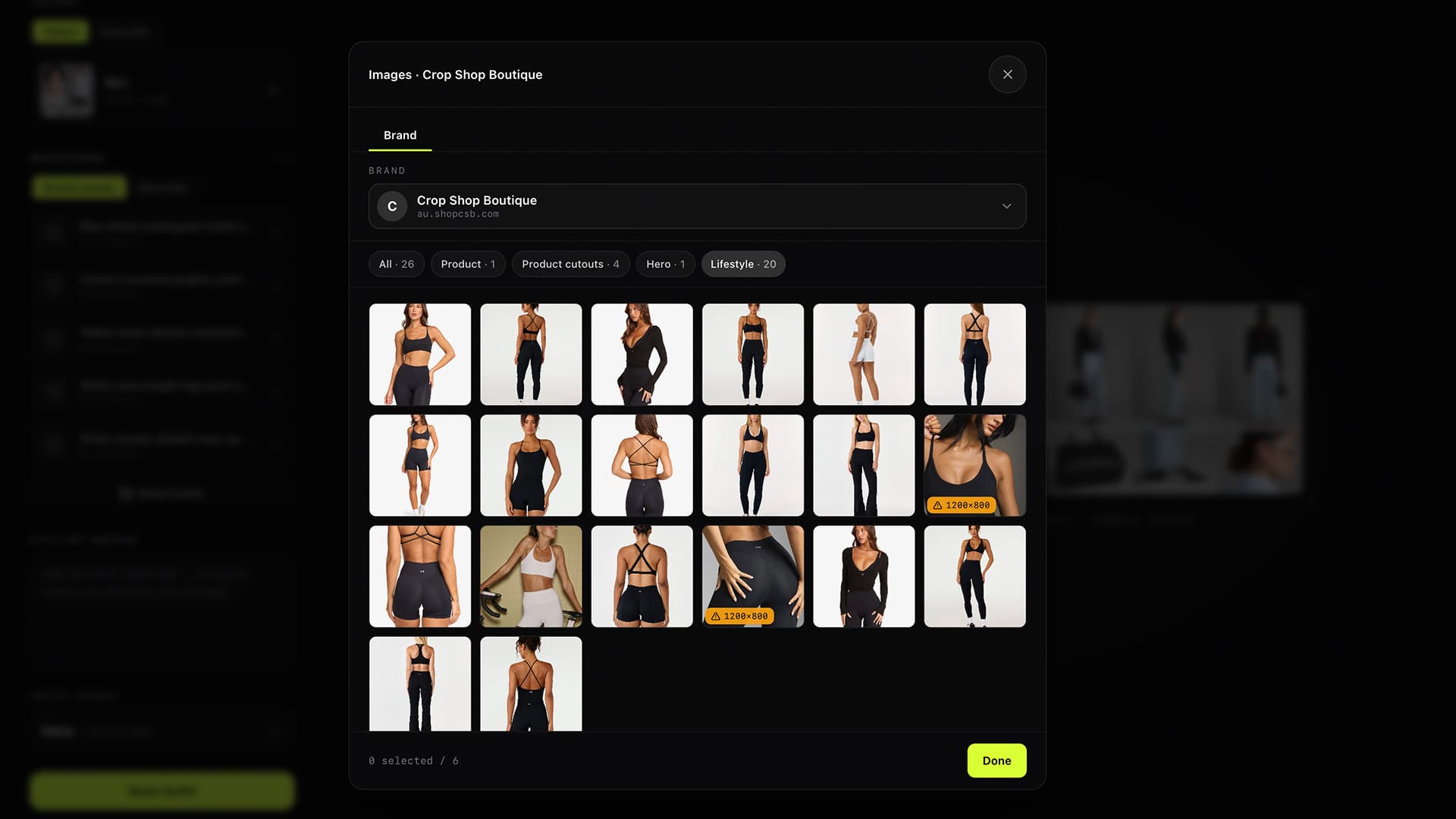
Connect your brand assets or describe the look.
Add up to six garments and accessories from a connected brands, or describe the pieces you want the Stylist to create.
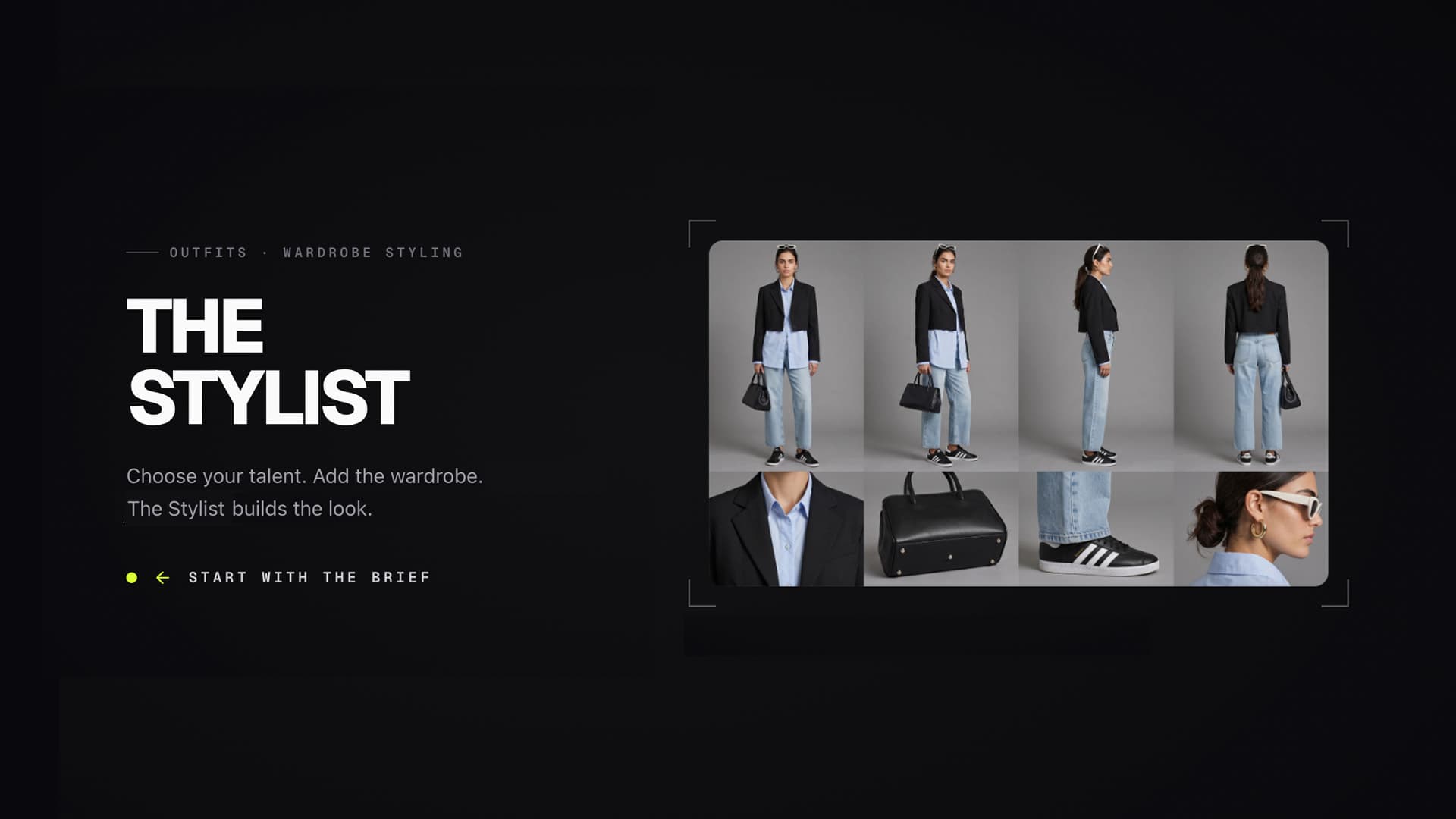
Turn separate pieces into one complete look.
How it works
Start with a model, words, or an image. Choose talent from your library, describe someone from scratch, or upload a reference photo to automatically build the talent brief.
Choose a model from your library, write a description, or upload a reference photo to generate the talent brief.
Select wardrobe from your brand assets or describe the pieces you need. Add stylist notes for the mood, occasion, accessories, and finish.
Review the outfit sheet, refine any detail, then save the complete talent-and-outfit combination for future image generation
Build your stack
FAQ
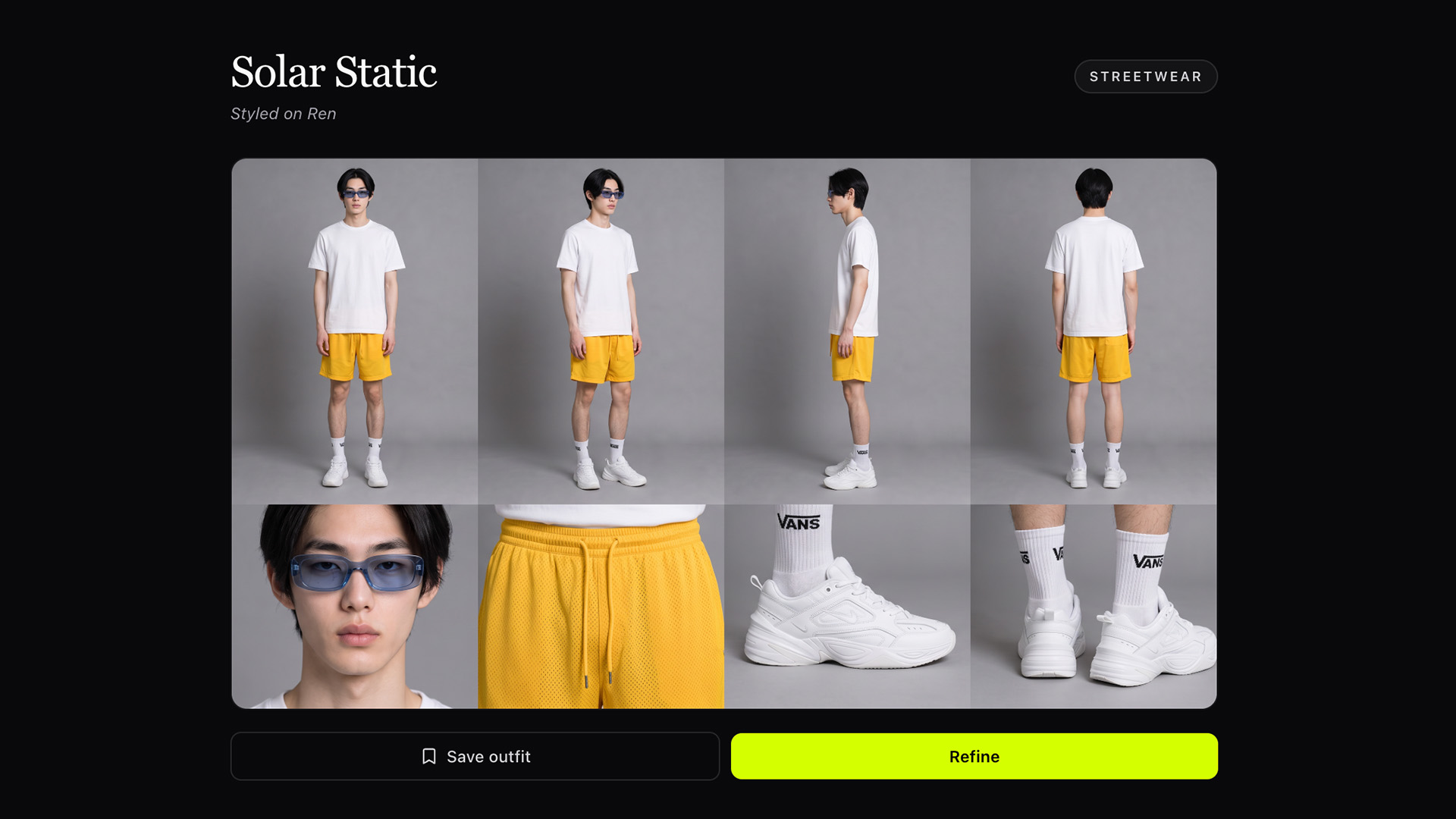
Direct the occasion, mood, silhouette, layering, footwear, accessories, and how the final outfit should read.
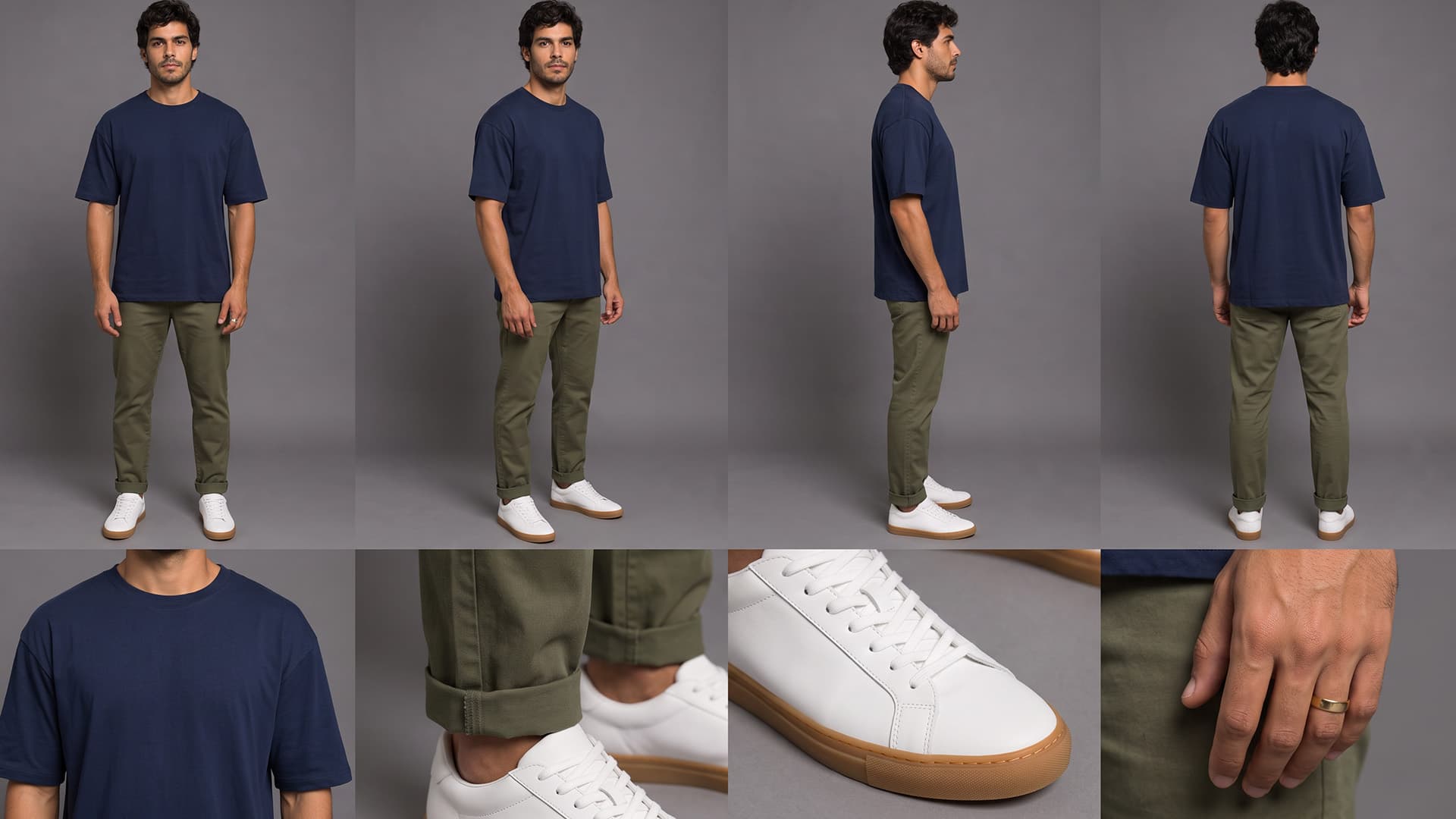
Keep the person and wardrobe together.
Get a complete reference sheet with front, three-quarter, side, and back views, plus close details of the clothing, shoes, and accessories.
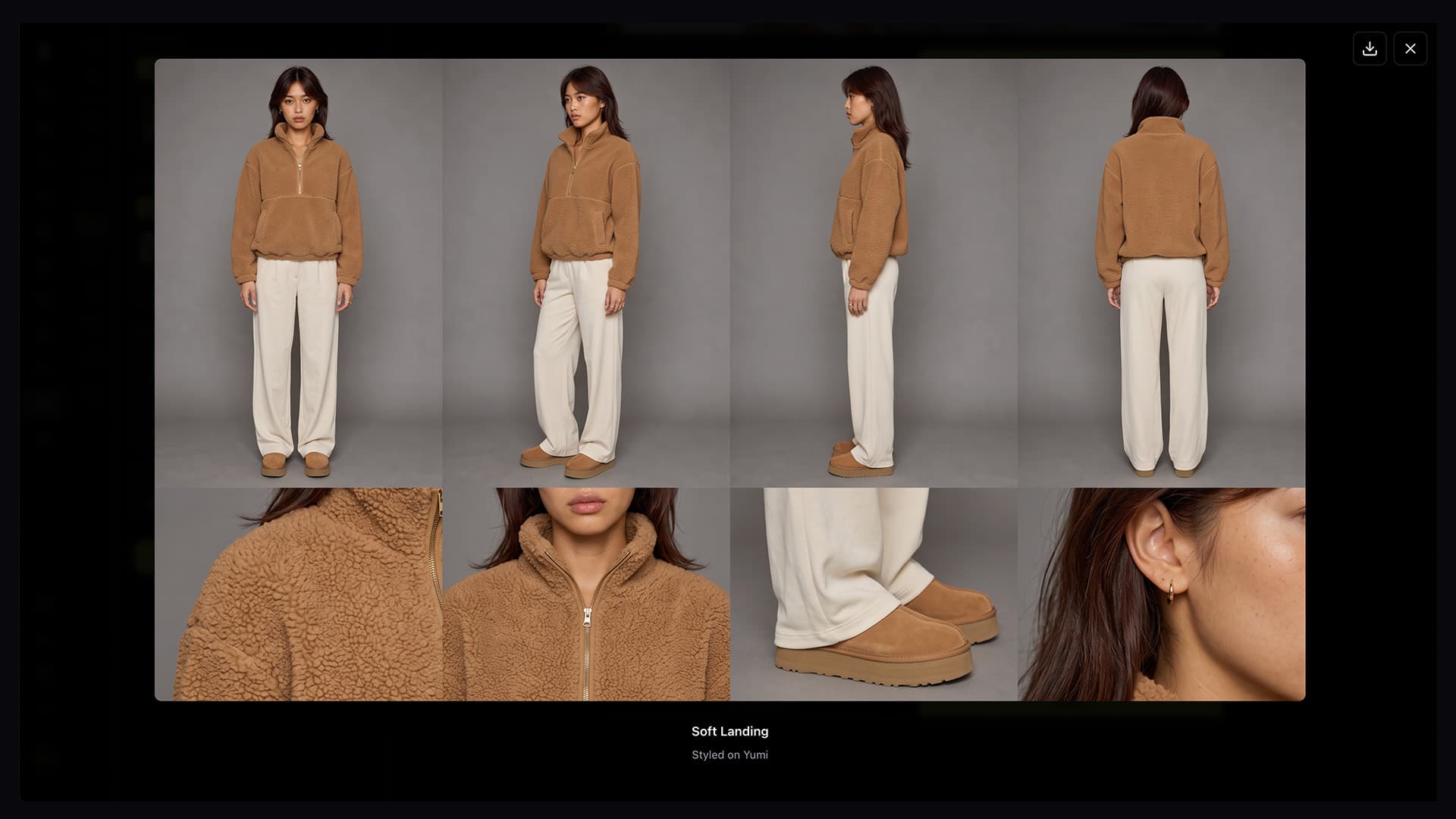
Keep styling until it feels right.
Swap the footwear, add a layer, change an accessory, adjust the fit, or take the outfit toward a different occasion or mood.
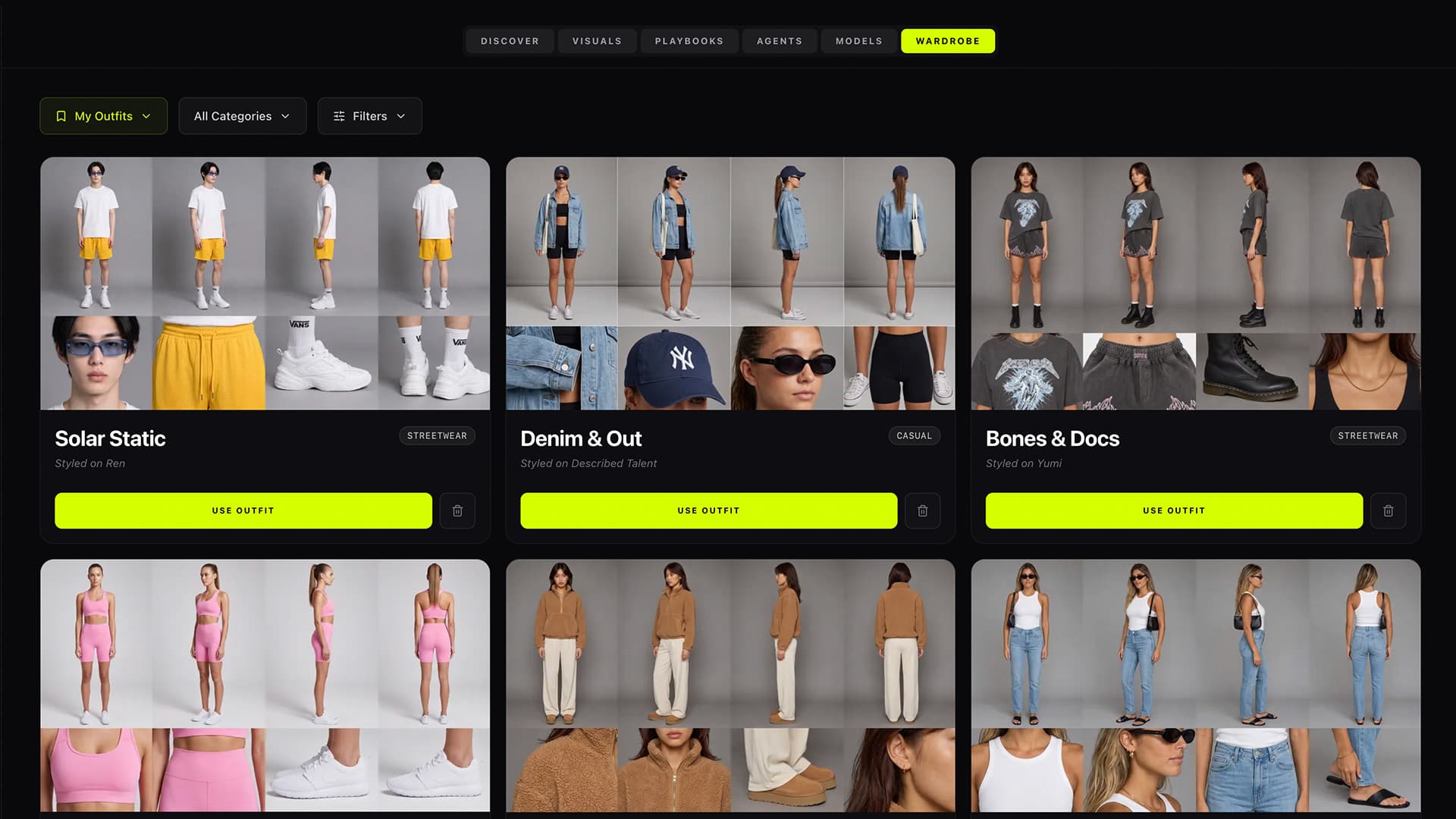
Keep every approved look on call.
Save the talent and outfit together. Outfits automatically tags the clothing category so you can filter by style or talent and find the right look quickly.