
Cast the talent, place the product, direct every frame, and create the full campaign.
Lookbook turns any creative brief into a complete image campaign.
Bring the products. Cast the faces. Build the visual world. Direct the camera. Then generate, refine, and deliver everything from first concept to final asset in one place.
What you get
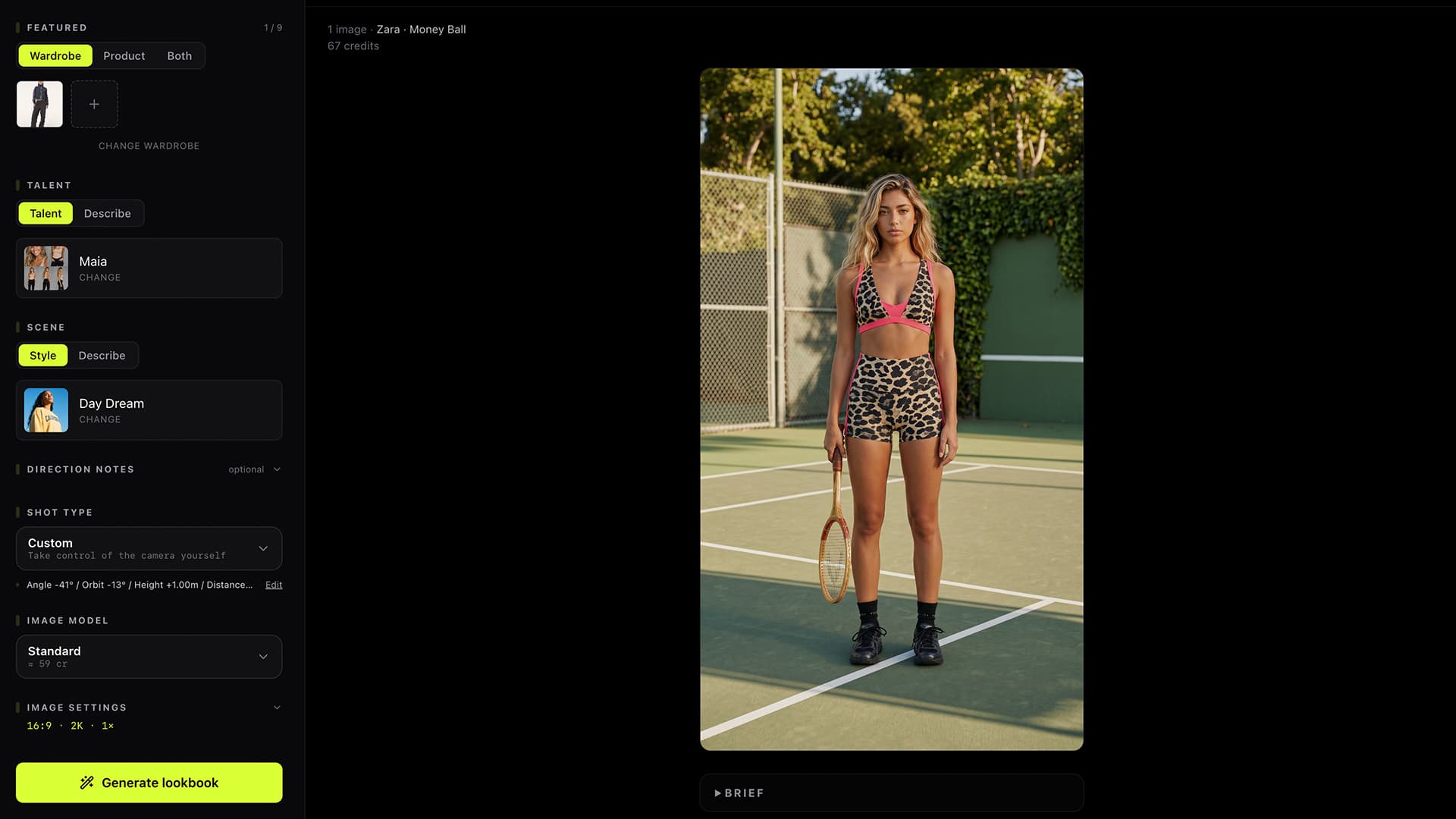
Put the real brief in the frame.
Connect the shoot to a brand and pull from its existing asset library, or upload something new. Feature wardrobe, products, or both.
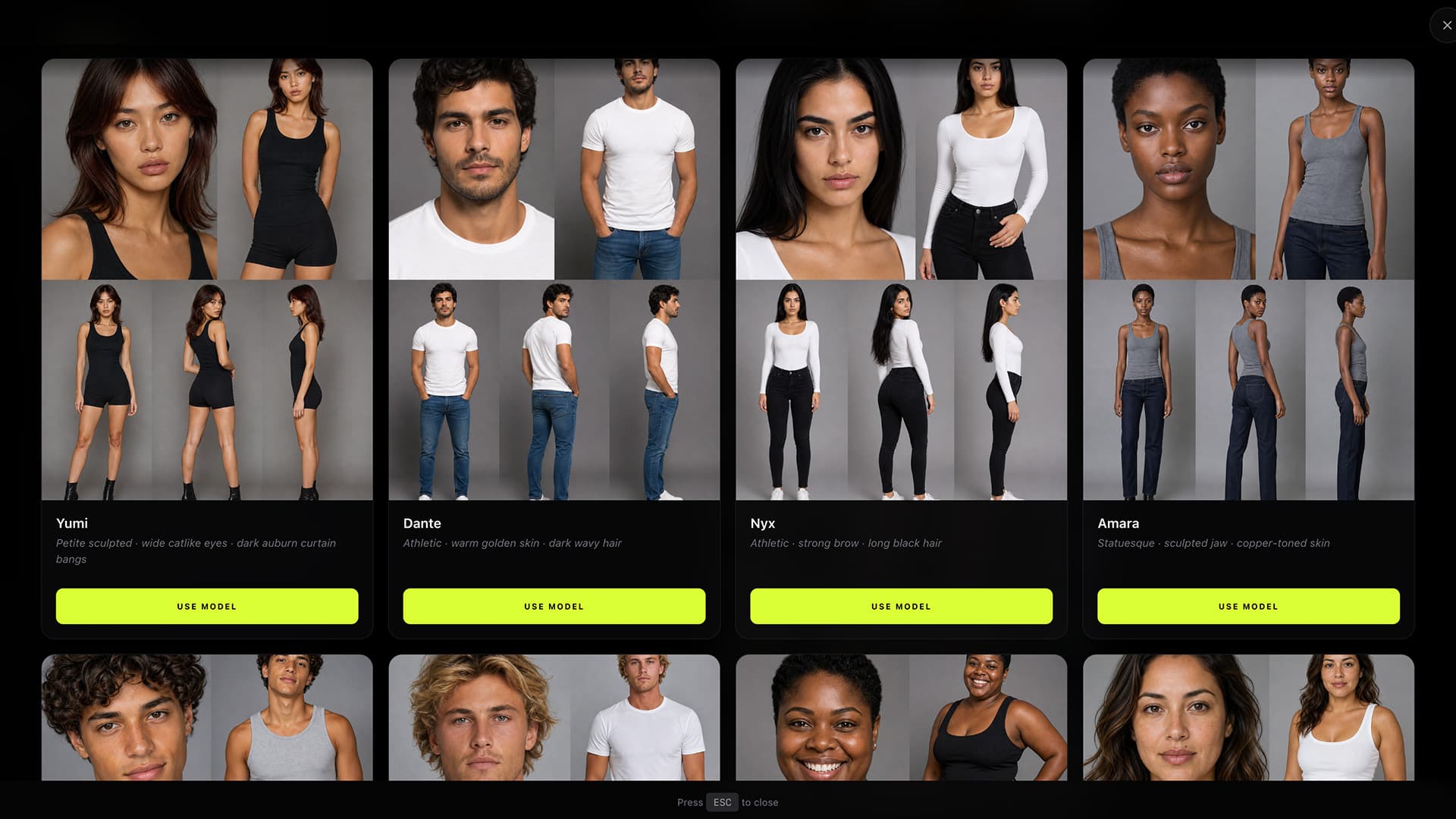
Cast once. Keep the same face.
Choose a model from your library, describe someone new, or start from a reference. Keep the selected talent consistent across every frame.
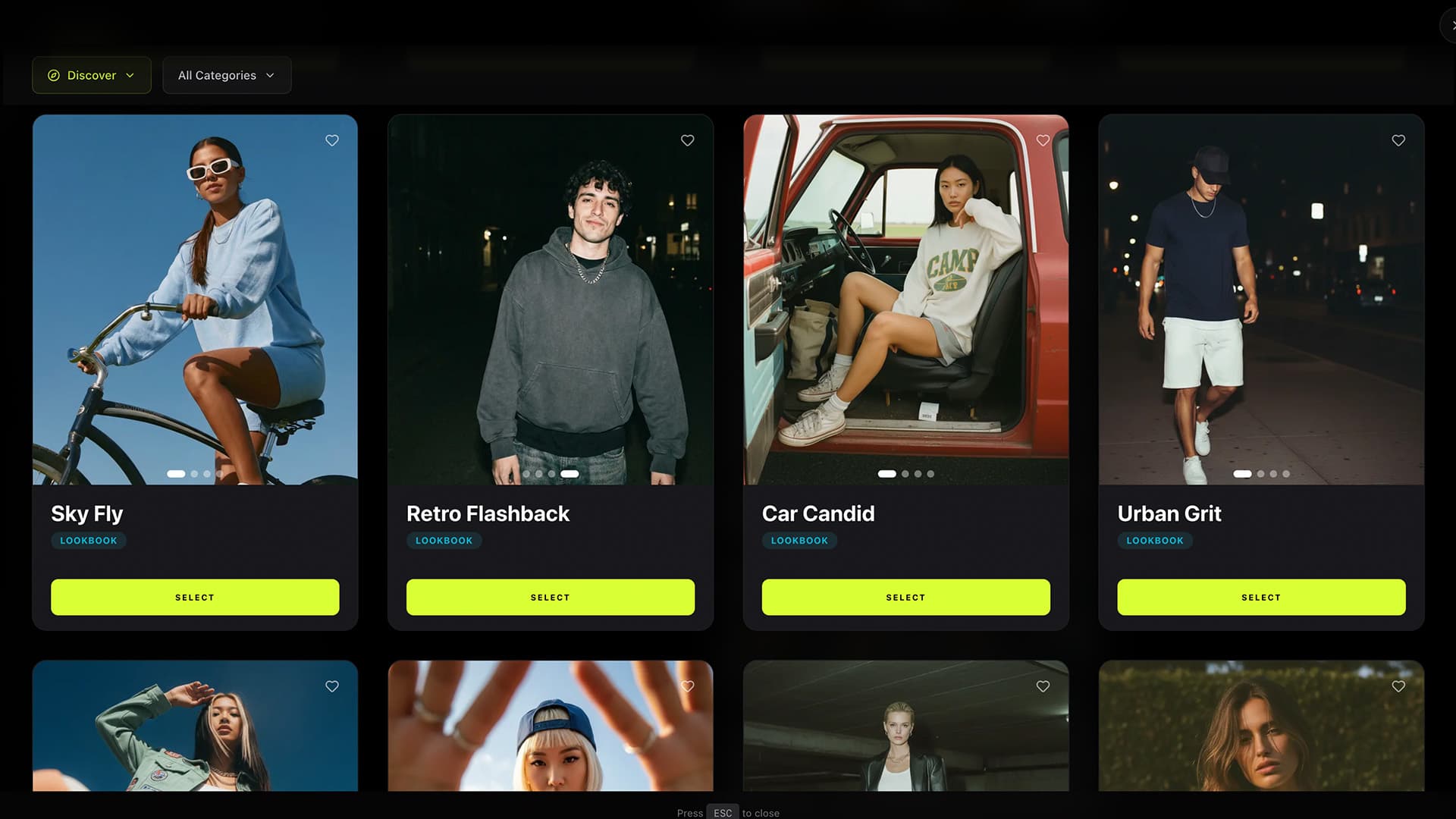
Start with a world, not a prompt.
How it works
Choose a connected brand or upload new assets. Add the wardrobe, products, or both, then cast the talent for the idea.
Choose a saved or official preset, create a new visual direction, set the camera, and add the details that make the concept yours.
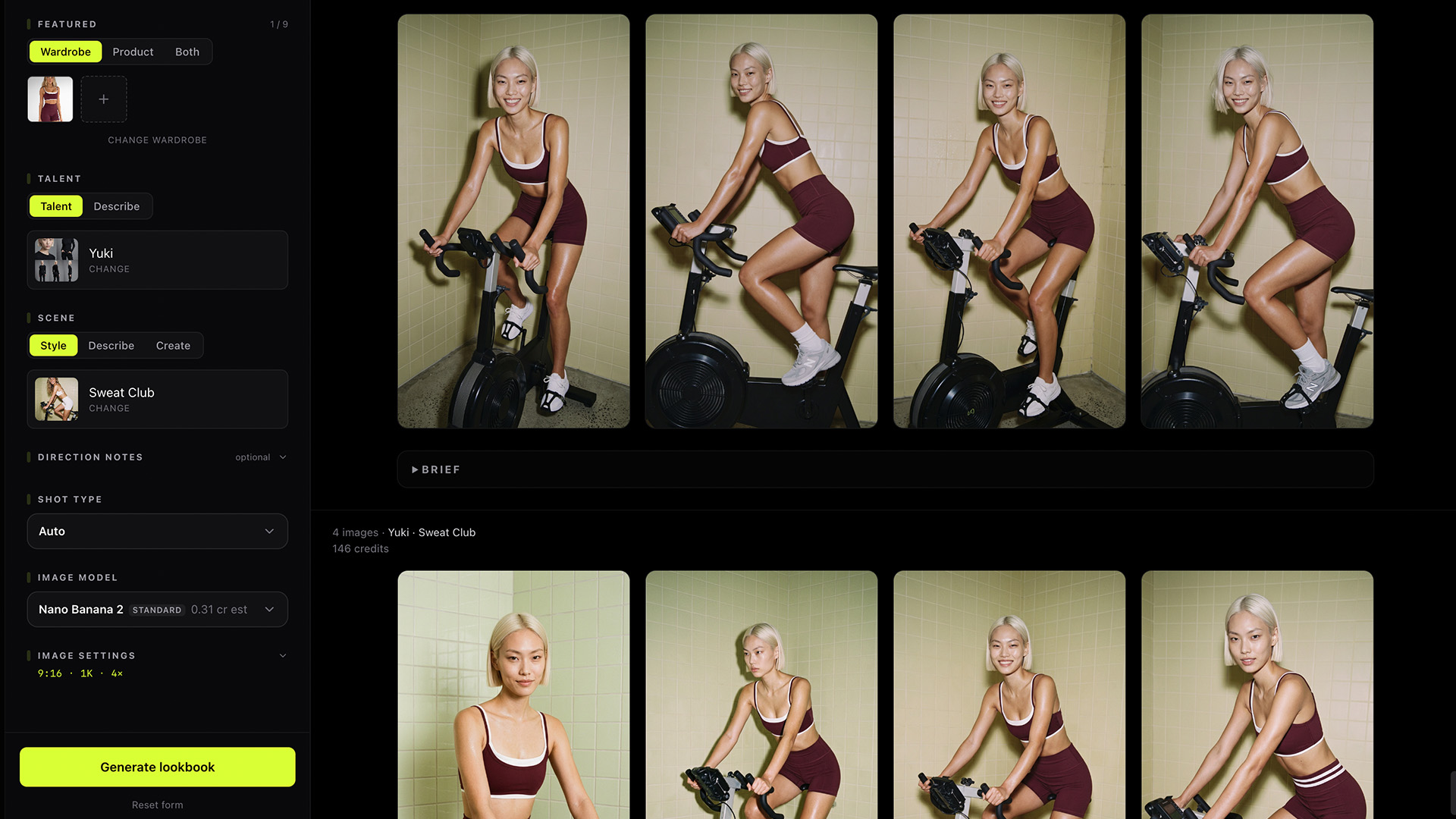
Generate the complete shoot, compare variations, refine the strongest frames, and take the work from first concept to finished content.
Build your stack
FAQ
Choose one of your saved presets or start with an official Heista drop. Carry the same lighting, color, mood, setting, and photographic style across the shoot.
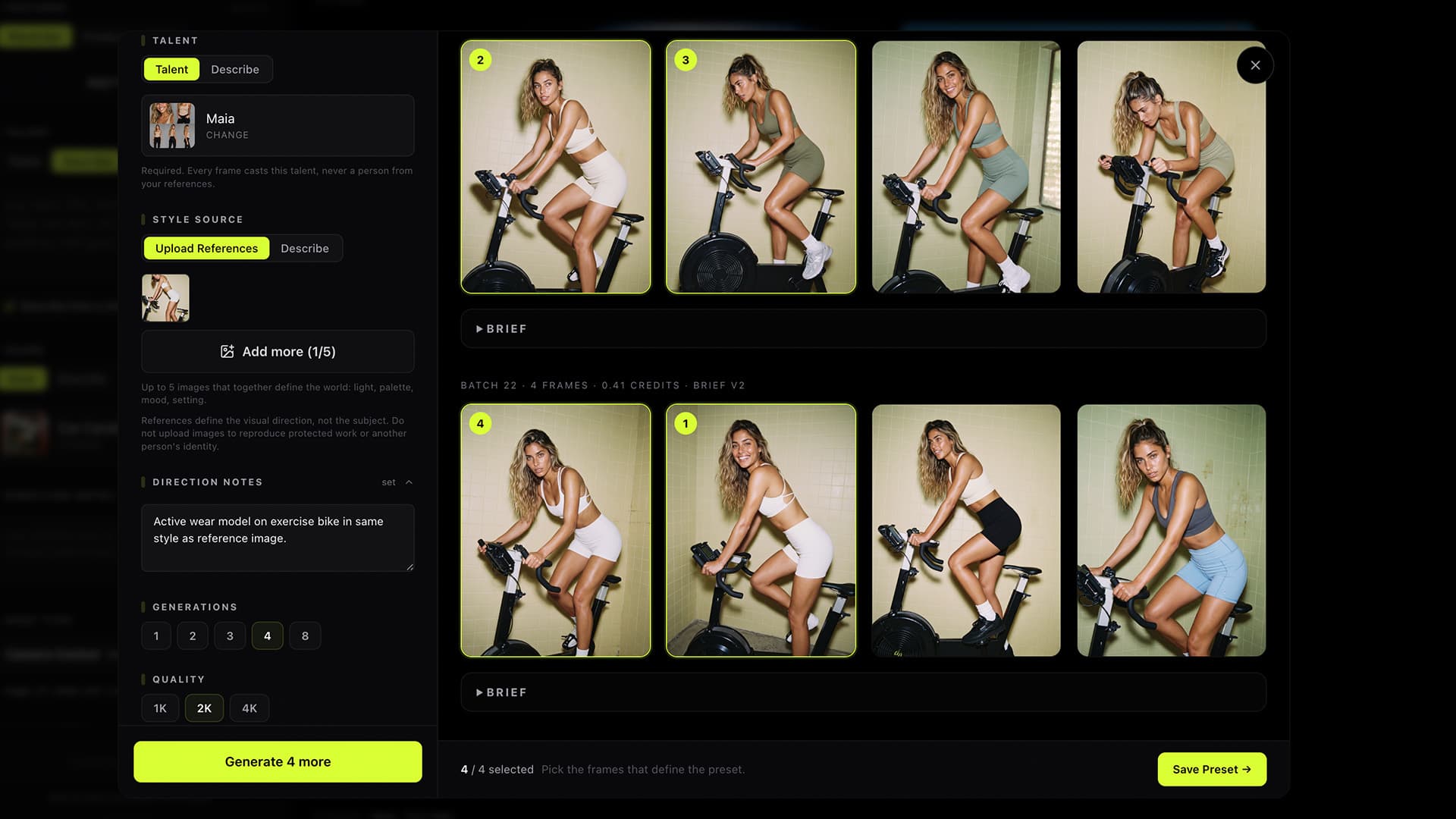
Turn inspiration into your own visual system.
Describe the direction or add up to five references. Generate test frames, choose the strongest, then save the finished preset to use again.
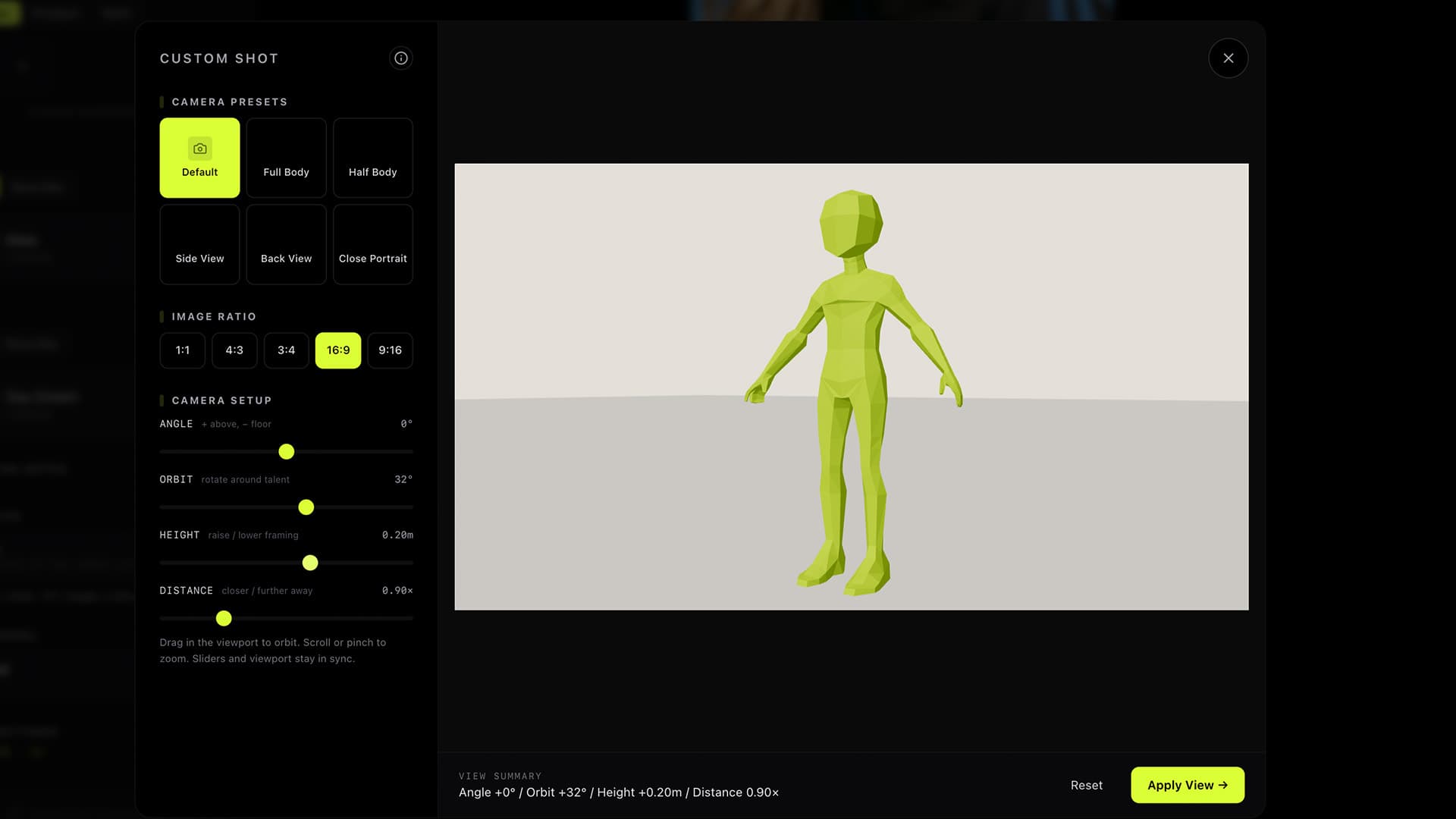
Direct the frame like you are on set.
Choose the shot type, set the pose, position the product, and control the camera angle, orbit, height, framing, and distance.
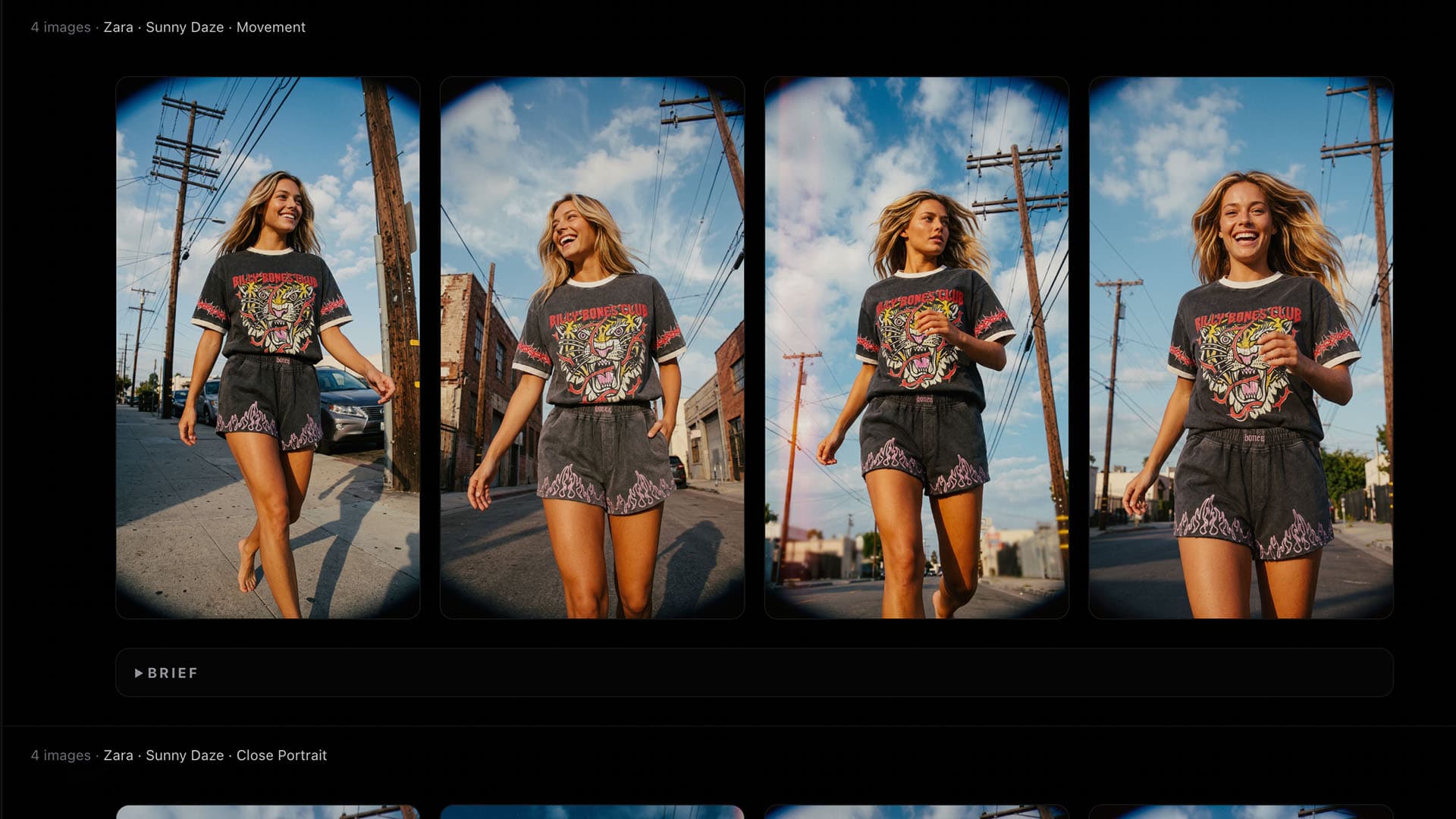
Create for the pitch or the campaign.
Choose the image model, aspect ratio, resolution, and number of variations. Generate for presentations, storyboards, social, paid media, or final campaign delivery.
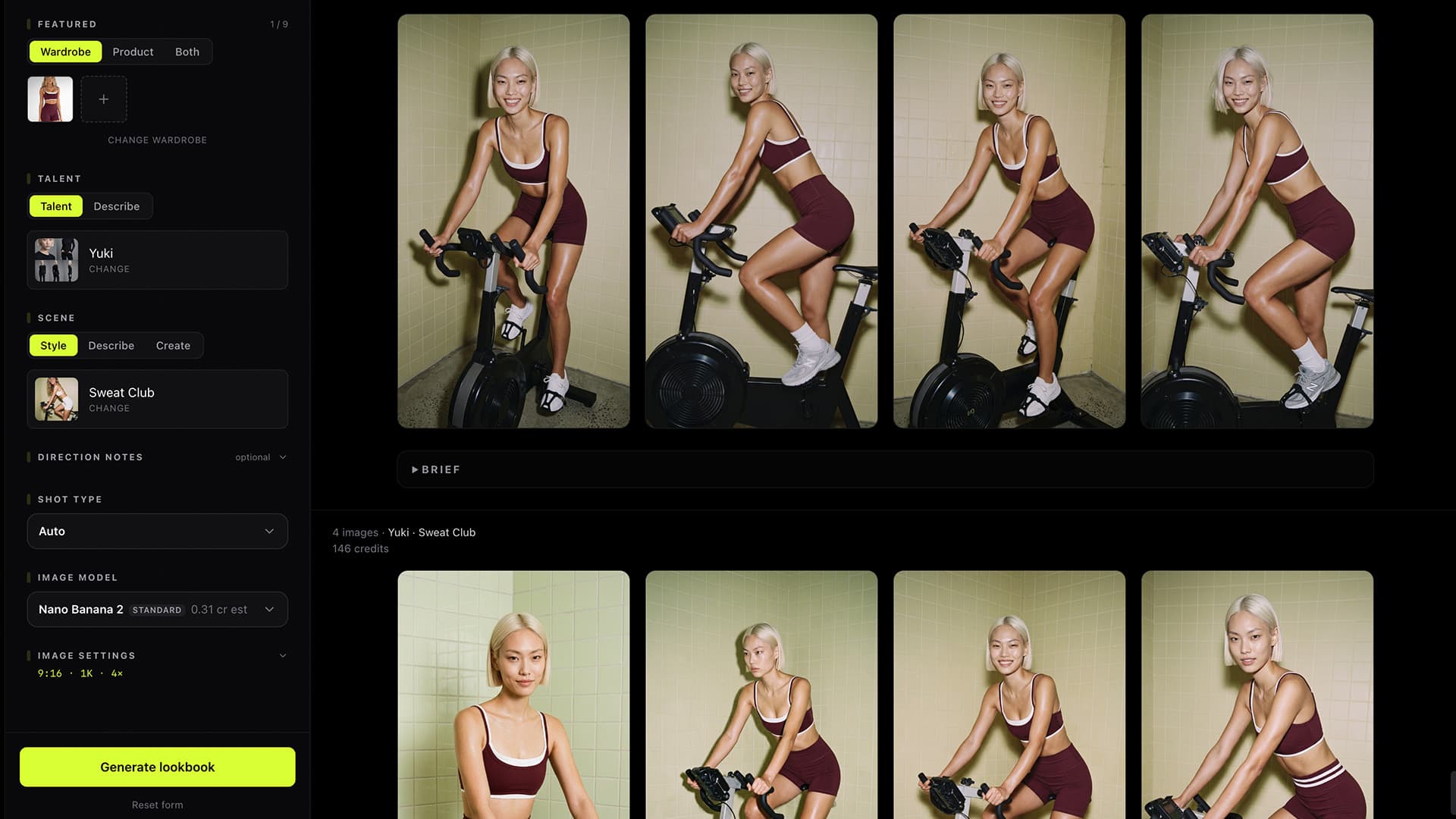
Tell every frame what the brief demands.
Add direction for styling, action, product placement, label visibility, composition, setting, and mood. Keep the idea intact through every image.
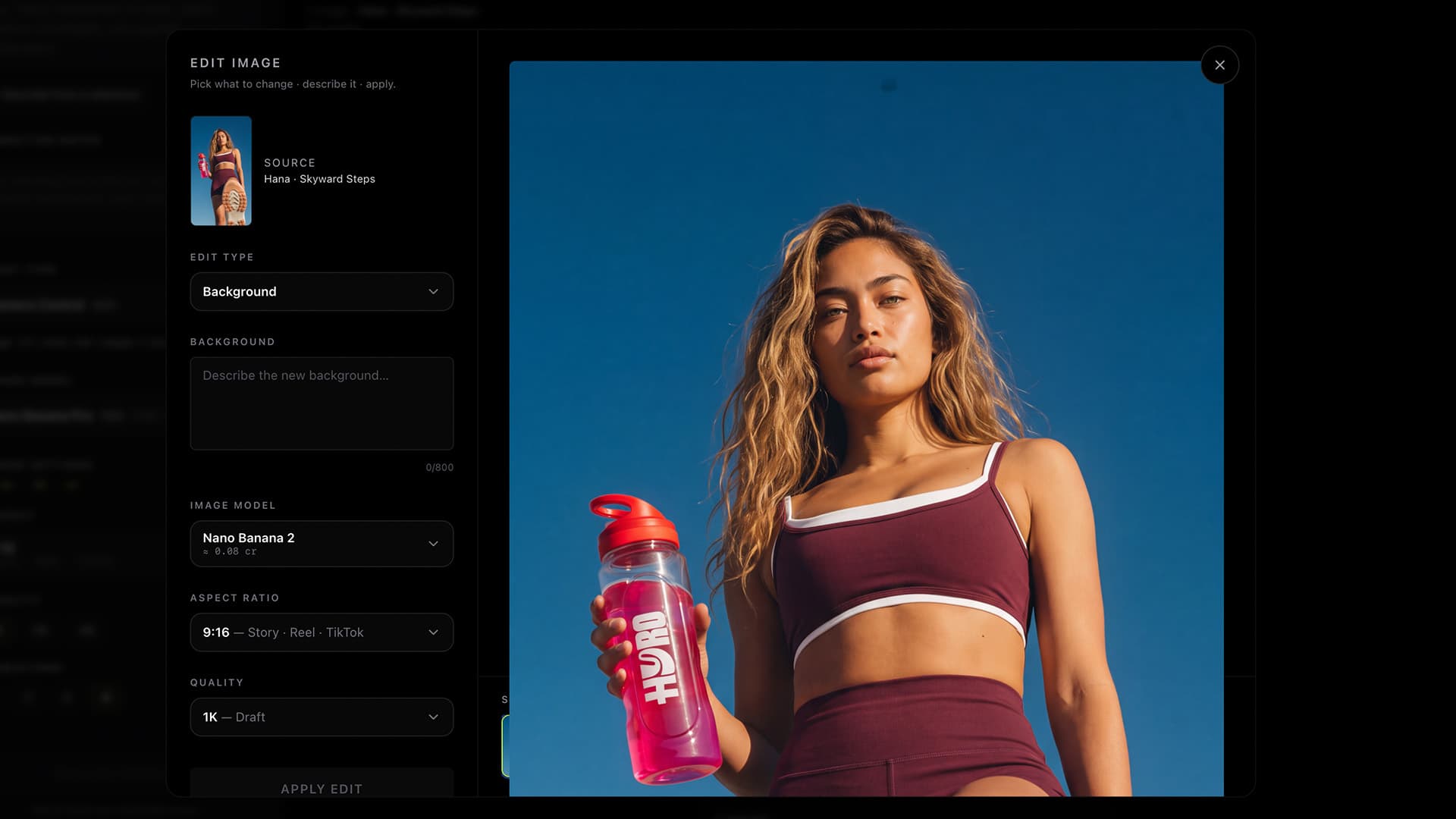
Keep directing after the image is made.
Change the background, color treatment, wardrobe, or individual elements. Add, remove, or refine details without rebuilding the complete shot.
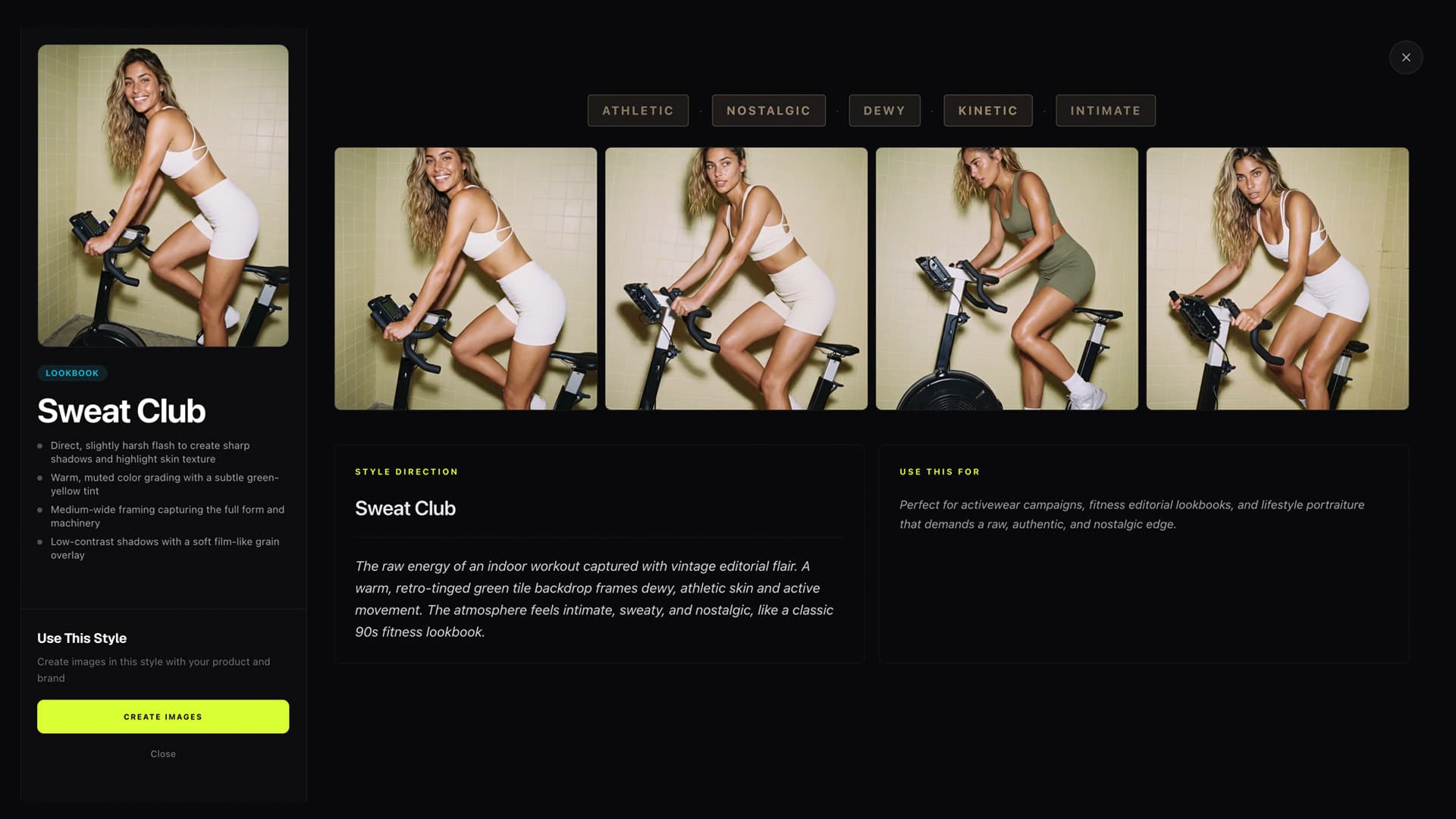
Save the thinking behind the campaign.
Keep your models, presets, assets, and visual direction ready for the next concept, client, collection, or campaign.