
Join image, video and text steps on one canvas. Change one step and only that step and what comes after it make again.
Visual Flow is where work you make more than once gets built once.
Put each step on a canvas: a prompt, a reference, an image, a video, a line of copy. Join them so one step feeds the next, the way the job actually runs. Change a prompt or a model and only that step and the ones after it make again, so you pay for what is new rather than the whole chain. Every image and video lands in your assets, and every flow is open to the whole workspace.
What you get
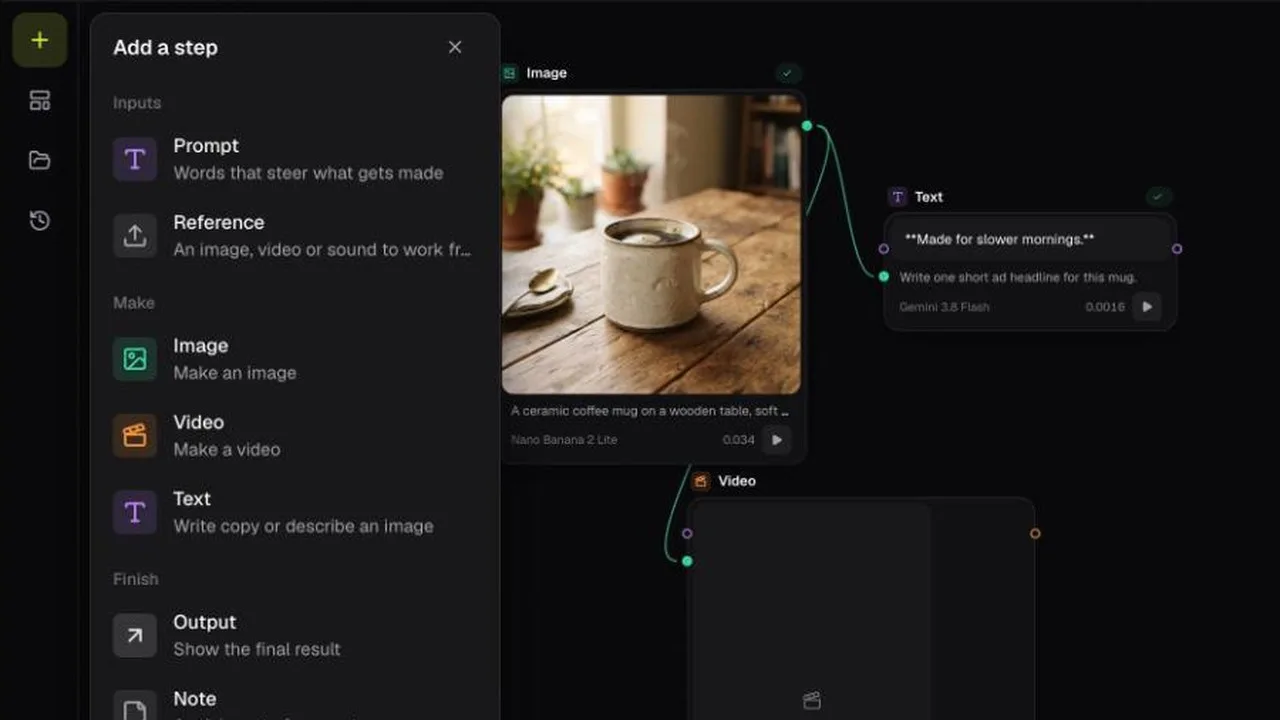
Every kind of work on one canvas.
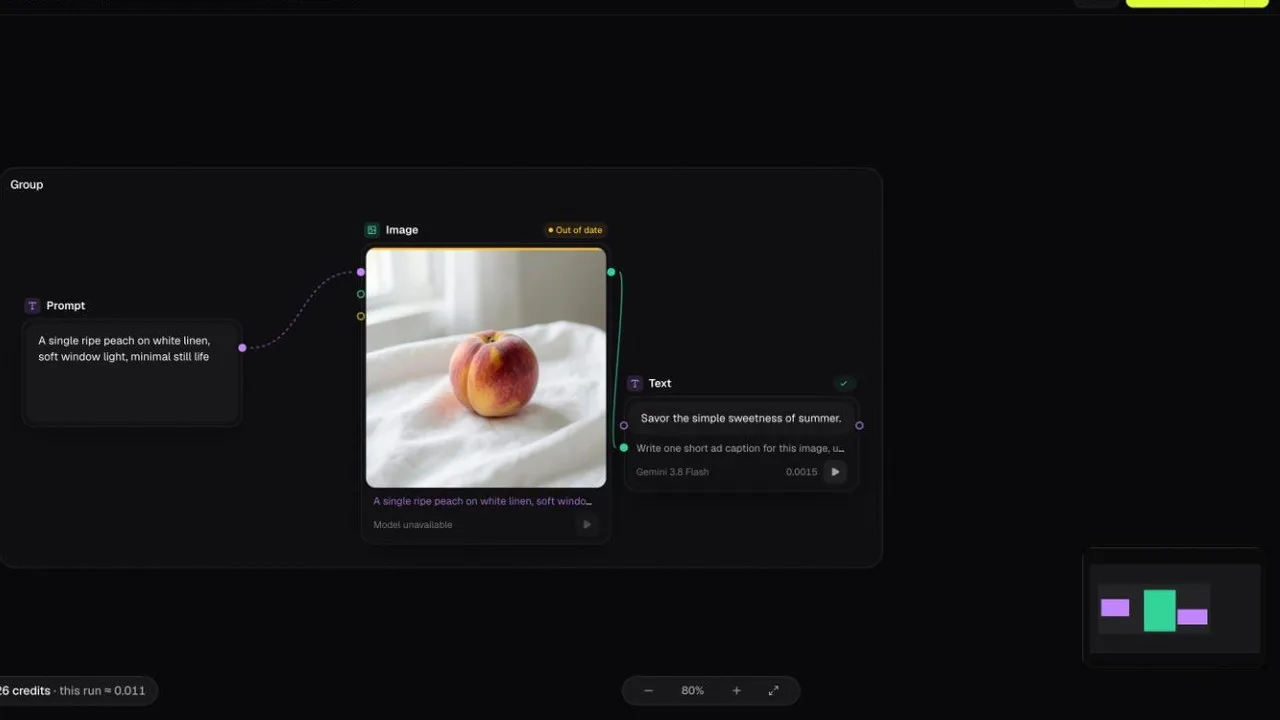
Add a step for each thing the job needs: a prompt, a reference, an image, a video or a line of copy. Each step shows its result on the card, so you see the work rather than a diagram of it.
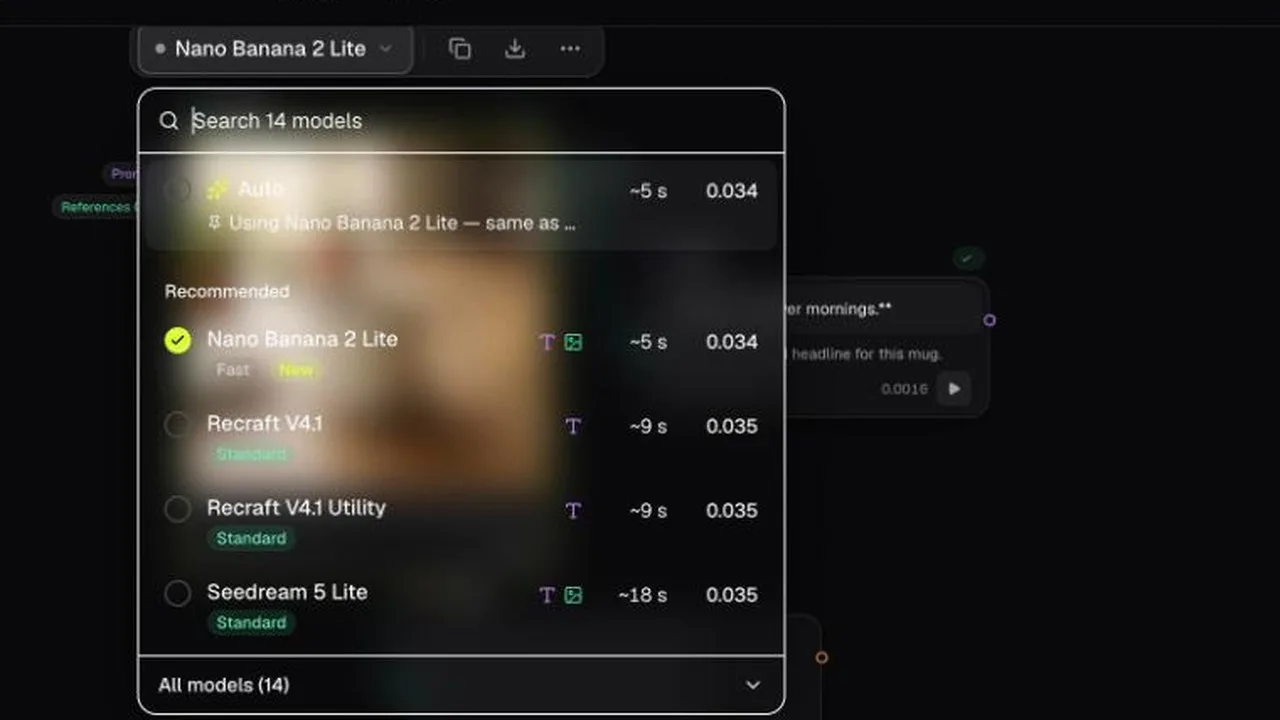
Pick the engine for each step.
Image steps offer the same models as Visual Studio, and video steps the same as Motion Studio. Switch a model off in a studio and it is off here too. See each model's price, and its speed where it has been measured, or leave the step on Auto.
How it works
Open one of four ad templates with the steps already joined, or start empty. Add steps for prompts, references, images, video and text.
Drag from one step to the next. An image can become the opening frame of a video, or feed a text step that writes copy to match it. Pick the model for each step, or leave it on Auto.
The Run button shows how many steps will make and about what they will cost. Steps that are already up to date are skipped, and new images and video land in your assets.
Build your stack
FAQ
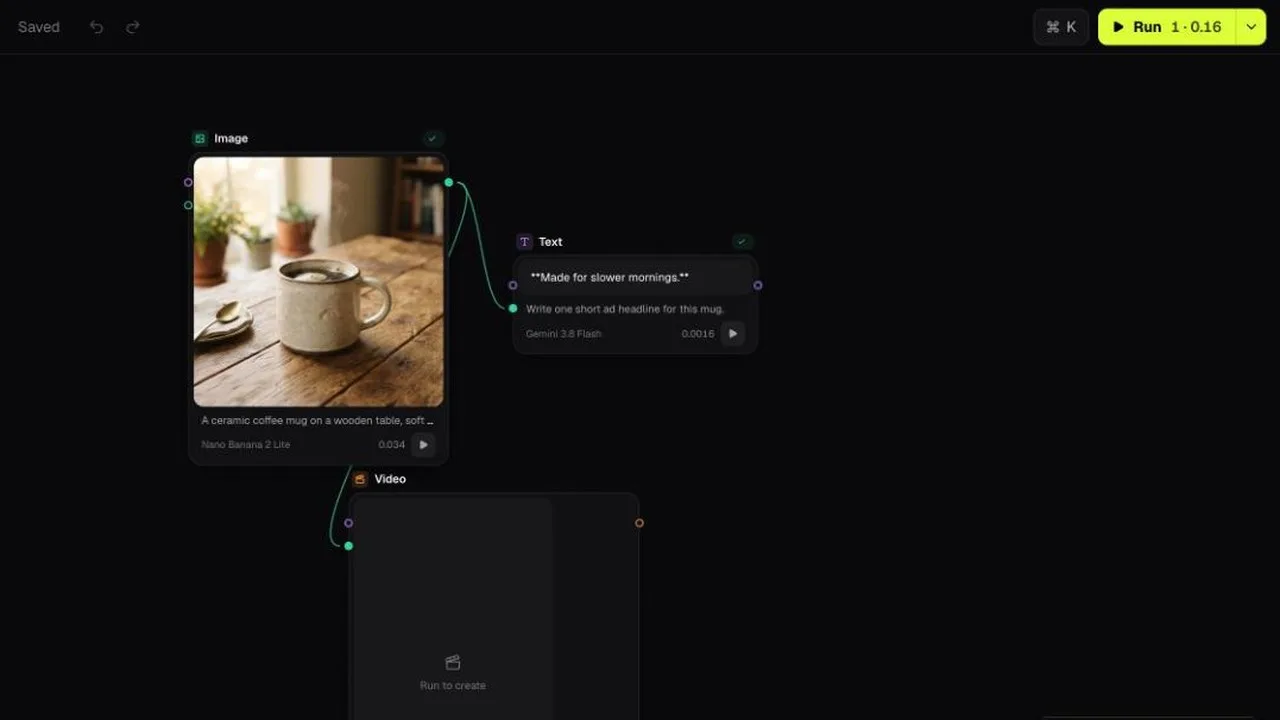
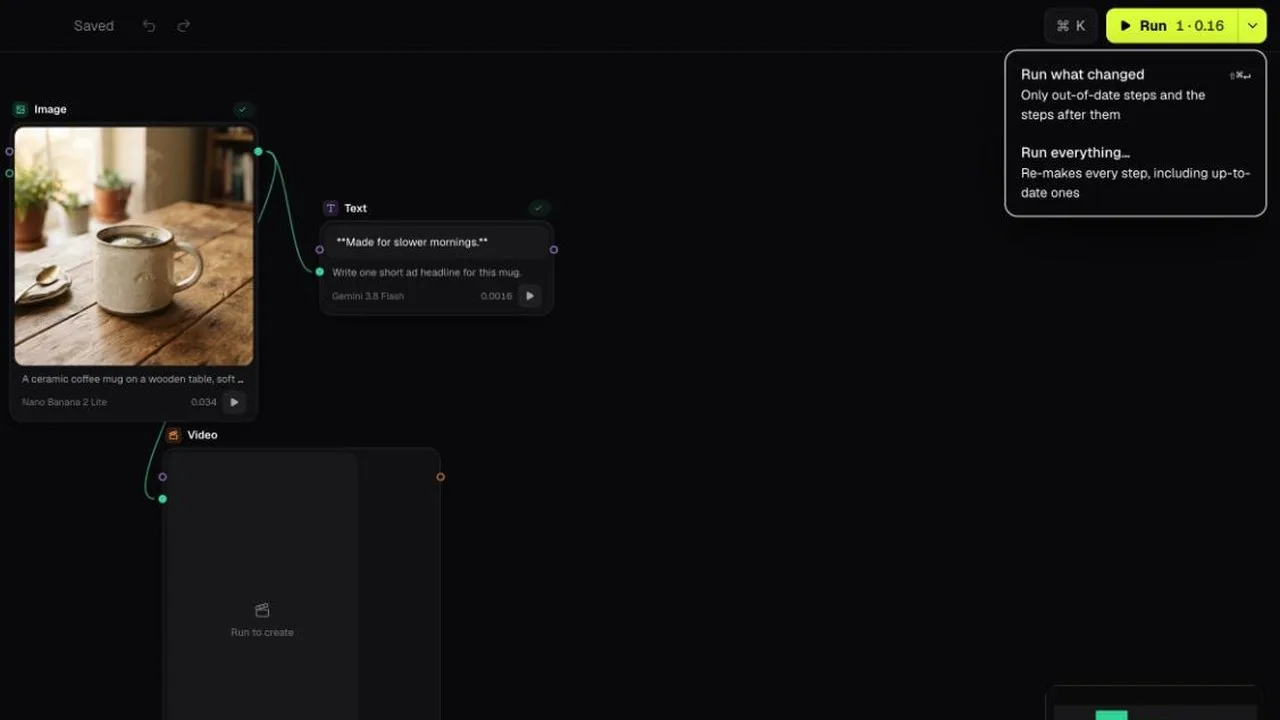
Change one step, not the whole chain.
Edit a prompt or swap a model and that step is marked out of date. Run makes it and the steps after it again, and skips everything that is already up to date.
Know what the run costs.
The Run button shows how many steps will make and about what they will cost before you press it, billed at what the provider charges with no markup added.
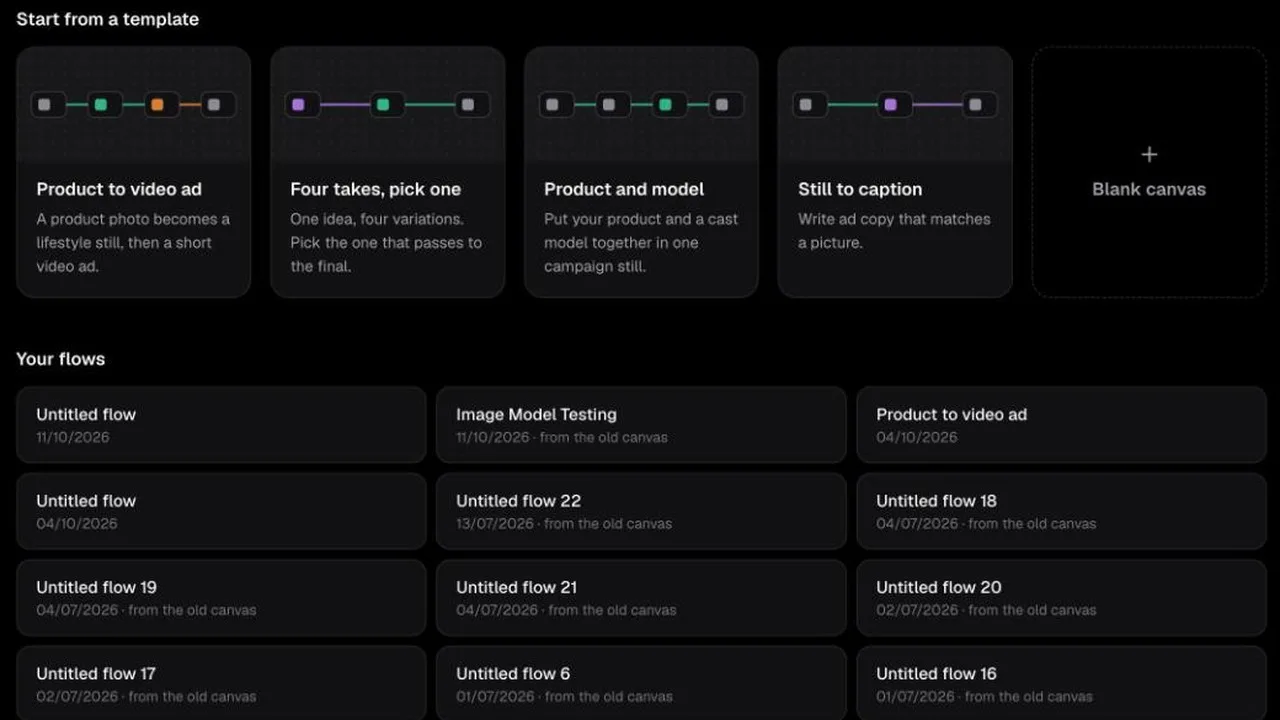
Start with the steps already joined.
Product to video ad, four takes on one idea, a product and a cast model in one campaign still, and copy that matches a picture. Open one, add your references or prompt, and run.
One flow, the whole team.
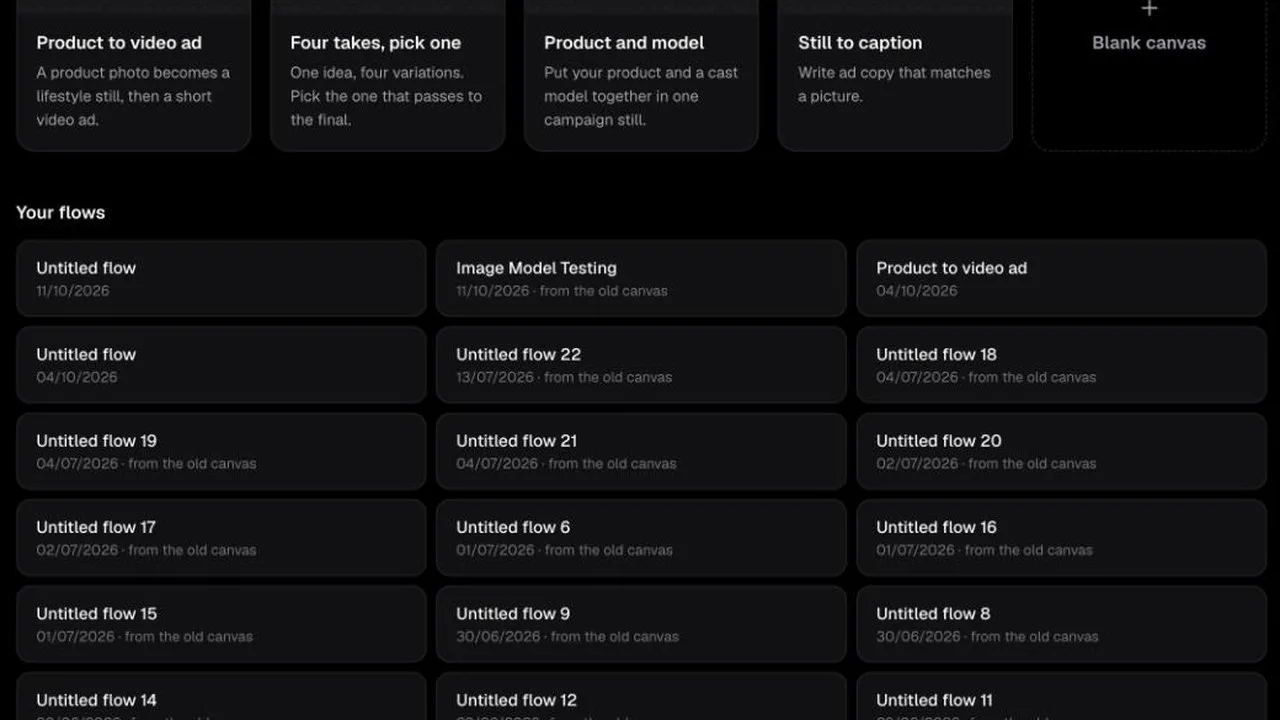
Flows belong to the workspace, not to one person. Anyone on the team can open a flow, and anyone with a seat can change it and pick up where someone else left off. It saves as you go.
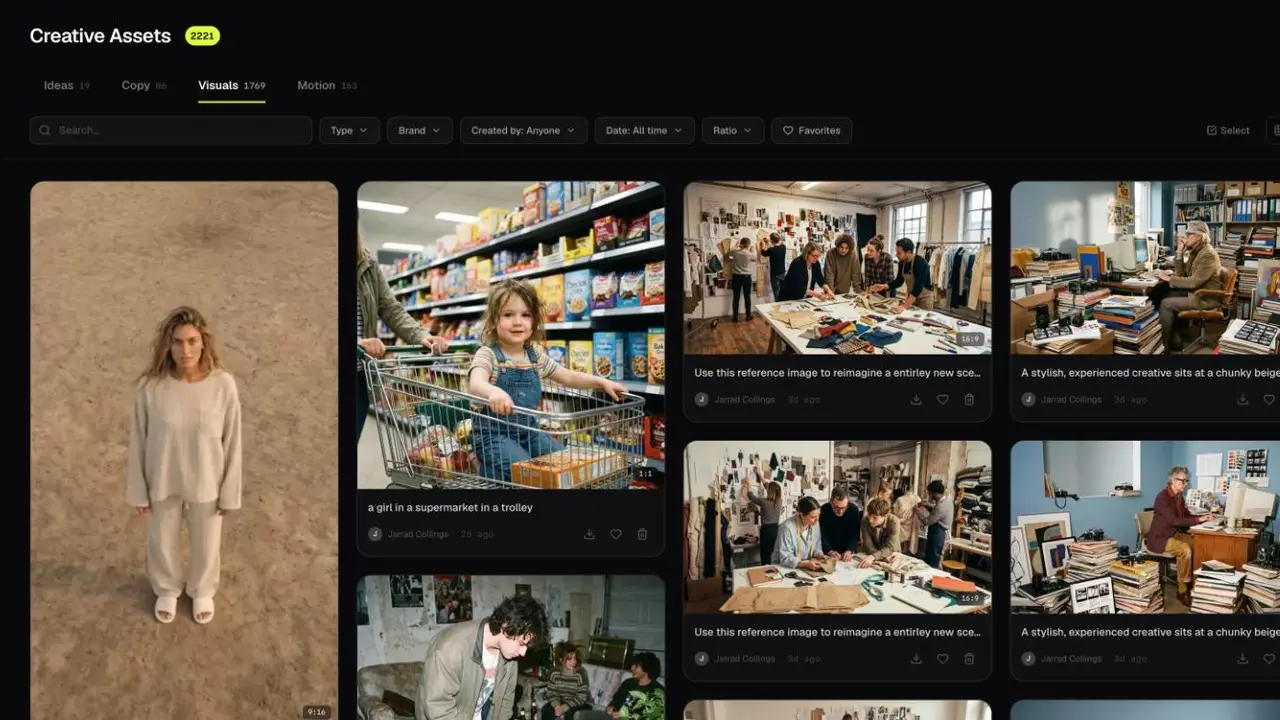
Every render, filed and findable.
Each image and video a flow makes lands in your assets beside the work from the studios, ready for a board, a deck or the campaign.