
Expand Creative Possibilities
Animate the stills you have already made, or start from a blank frame. Concept, pitch film, or finished content.
Motion Studio is where the work starts moving.
Take a still you have already art directed and animate it, or start from nothing and describe the shot. Hold the same subject across shots, say where a shot starts and where it lands, and pick the model for each render. Everything lands in your assets beside the stills. From the film that sells the concept to the content that ships.
What you get
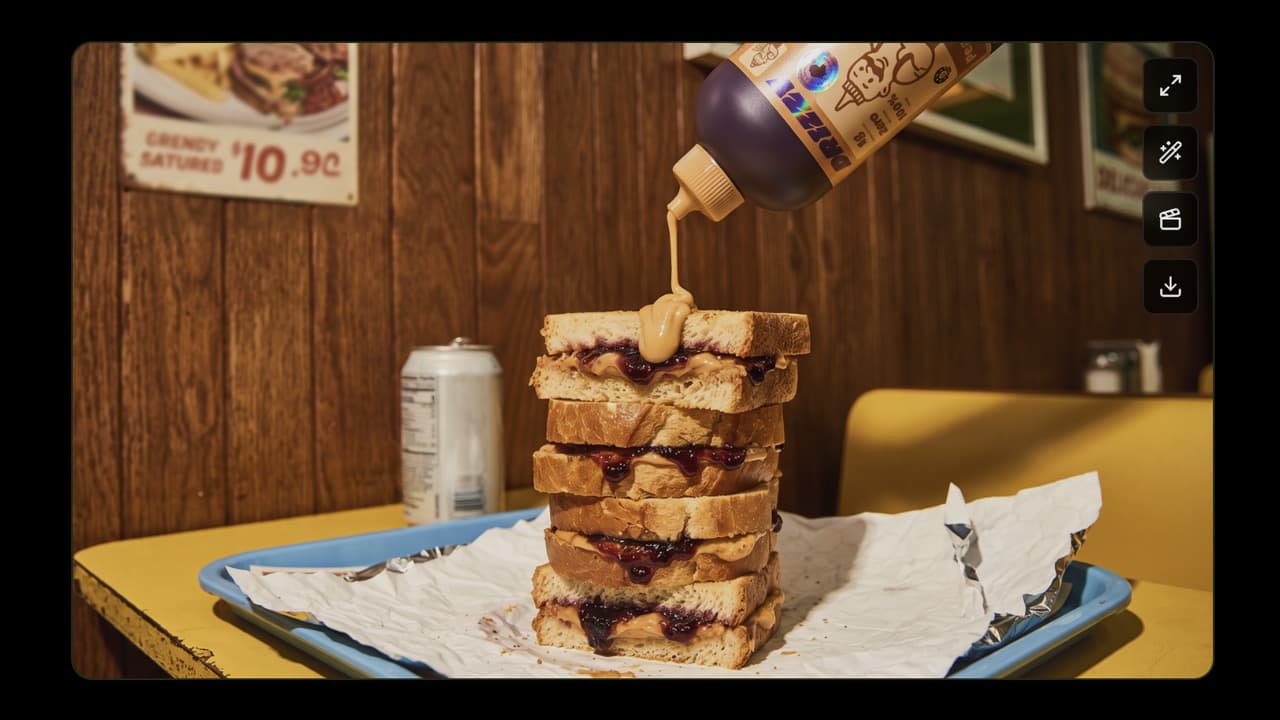
Animate what you already made.
Bring any image from your assets in as the opening frame and move it. The visual you art directed becomes the shot, instead of being described again from scratch.
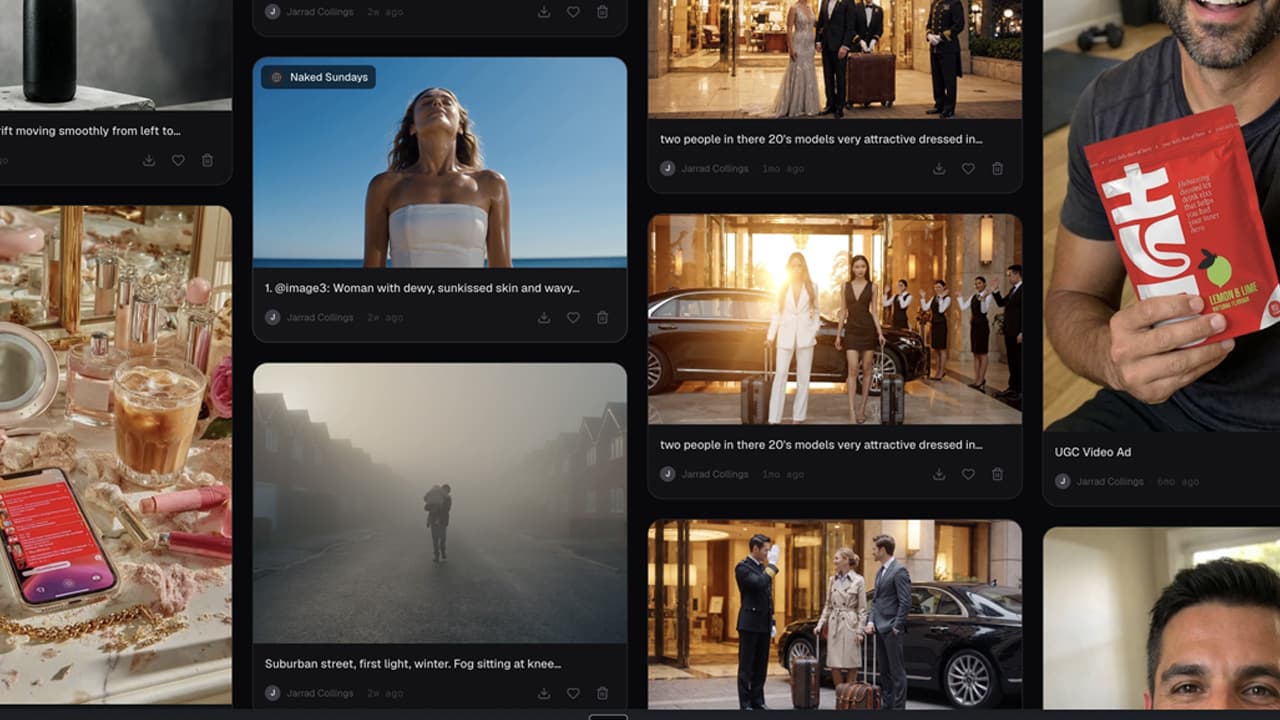
Every clip, filed by brand and project.
Motion sits beside the stills in your assets, filtered by ratio, by brand, by who made it. The film your team cut last month is still there and still findable.

How it works
Bring a still in from your assets as the opening frame and move it, or describe the shot and start from a blank one. Add references for the subject, the movement or the look.
Set the length, the ratio and the resolution, choose the model for this render, and turn sound on where the model supports it.
The cost sits on the button before you commit. Renders keep running after you close the tab, and each one lands in the feed with its own status, estimate and cancel.
FAQ
Say where the shot lands.
Set the opening frame, the closing frame, or both, and the movement runs between two points you chose rather than wherever the model drifts.
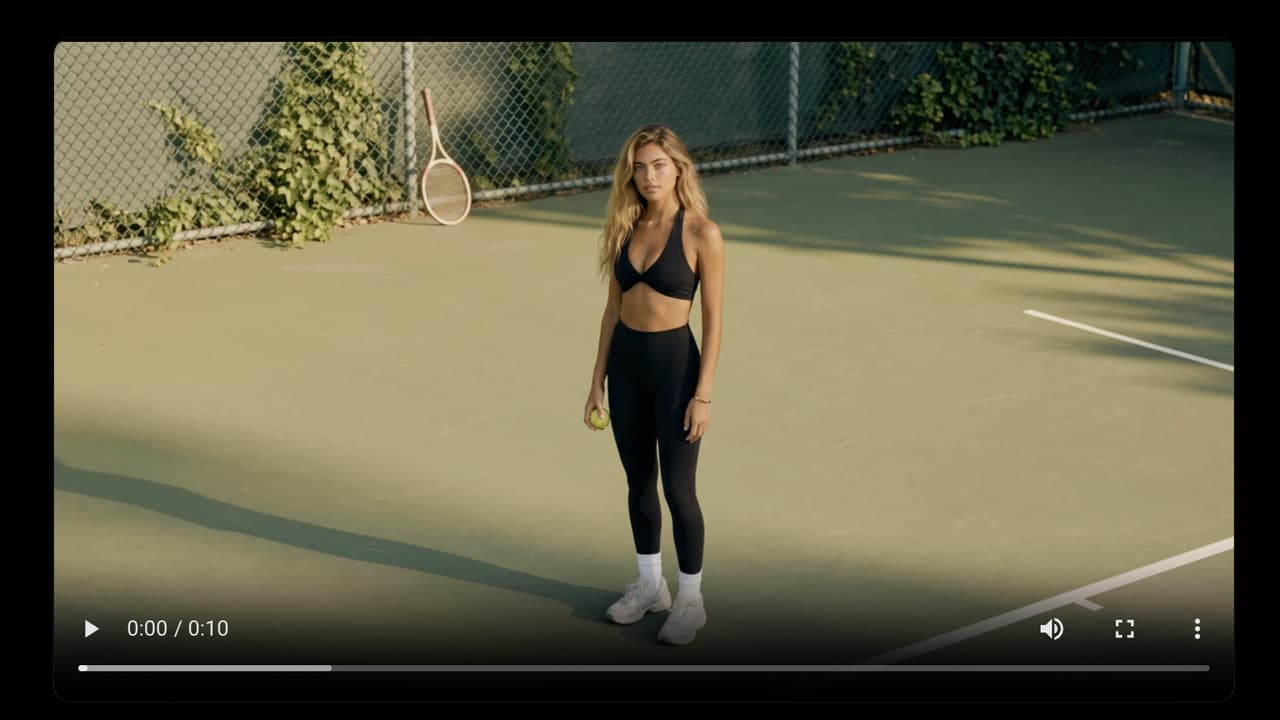
Keep the same face and the same look.
Hold a character across shots, reference the movement you want, or carry one visual style from shot to shot.
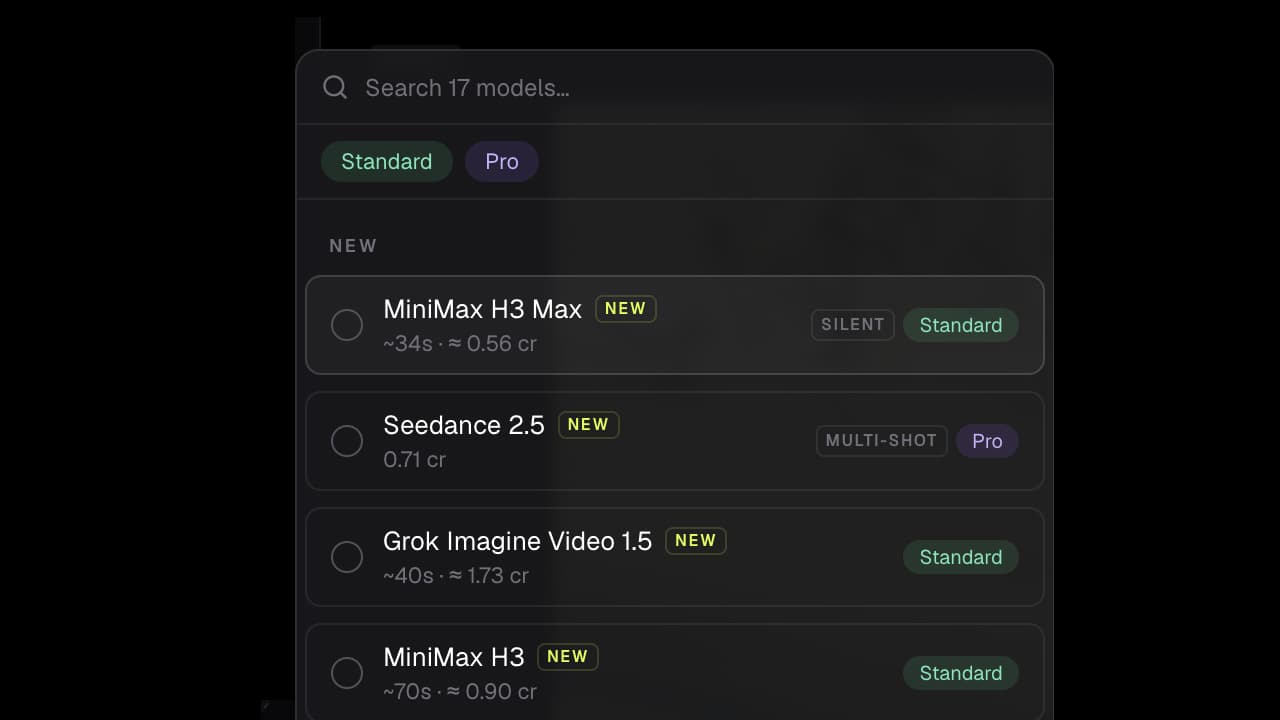
The right engine for the shot.
Choose the video model for each render and switch as the job changes. New models land here as they ship.
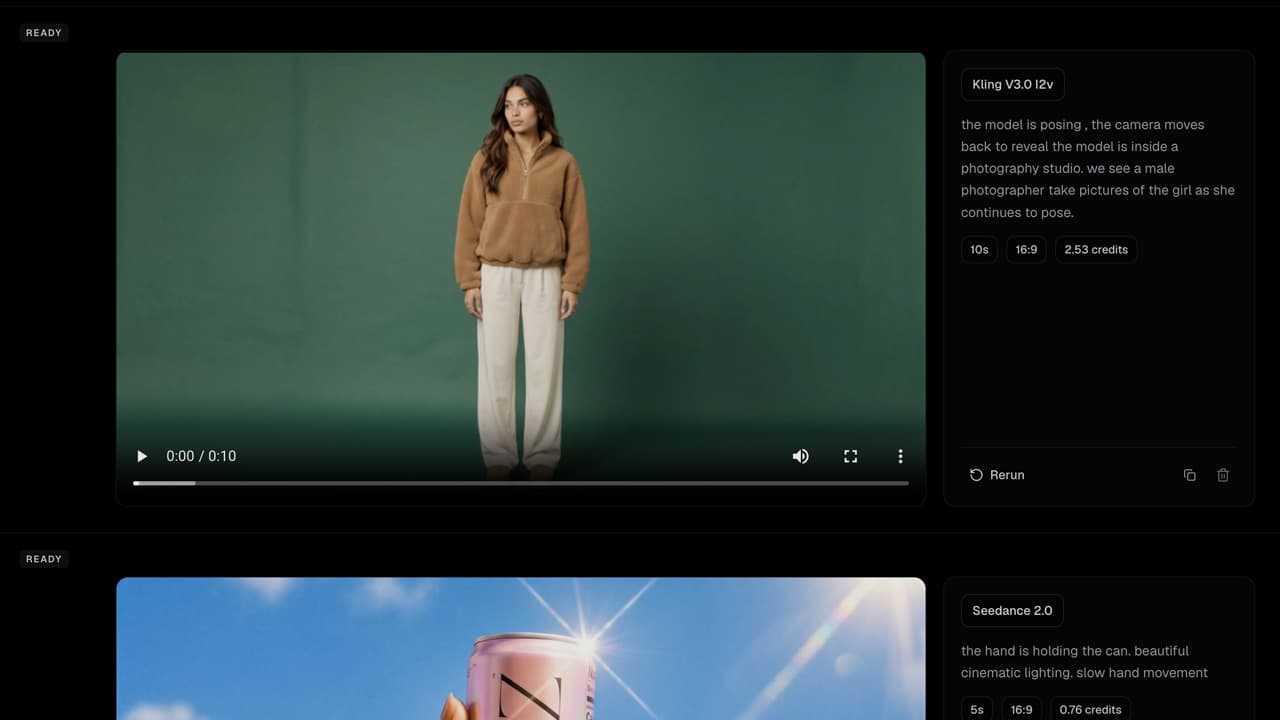
Start it and walk away.
A render keeps going after you close the page. Every one is a row in the feed with its own status, time estimate and cancel button, so a refresh loses nothing.
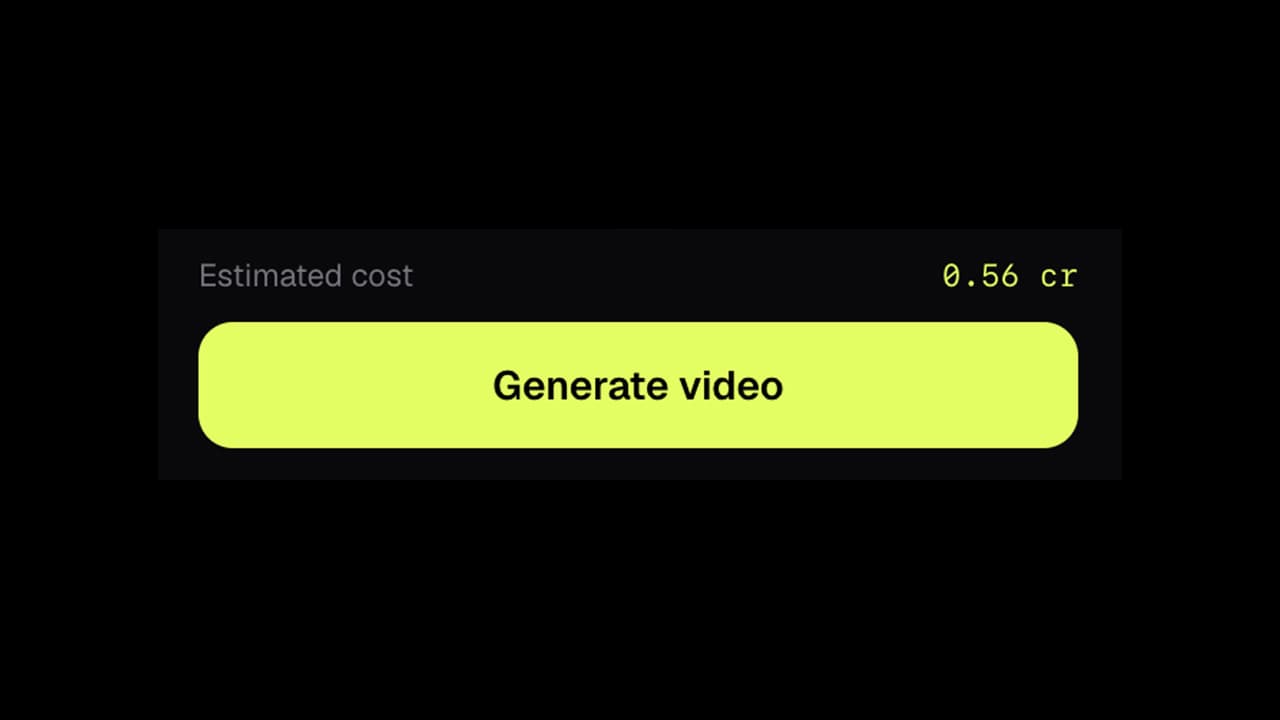
Know what the shot costs.
The estimate sits on the button before the render starts, billed at what the provider charges with no markup added.