Intuit Mailchimp's talking head b-roll ad is a 34-second saas & software video creative decoded by Heista into 6 structural beats with 18 total cuts. Intuit Mailchimp's full brand intelligence
PATTERNMAP™
Loading PatternMap...
Ad Blueprint
Talking Head B-Roll
CategorySaas Software
AngleHow To Tutorial
NarrativeProduct First
IntentDiscovery Education Driver
Hook Type
Role-specific Opening
4.2sDuration
3Shots
1.7sAvg Shot
Energy
Cut Points
0.8s2.9s
Psychology
Competence Restoration
Behavioral ApproachSell Product Direct
Step Clarity
Solution Assurance
Competence Reframing
Knowledge Simplification
Every winning ad has a formula. Heista decodes it in seconds.
Intuit Mailchimp Ad Decoded — Role-Specific Opening Hook Analysis (34s)
Intuit Mailchimp's talking head b-roll ad is a 34-second saas & software creative decoded by Heista into 6 structural beats. It opens with a Role-Specific Opening hook — This leverages Role-Specific Opening by transferring credibility: the viewer immediately maps the speaker to the Mailchimp/marketing workflow they already use. That reduces skepticism and increases relevance, so the viewer stays to see what the “GenAI features” actually do in that exact context. The psychological mission is Competence Restoration: The viewer feels capable and in control because the product promises fast, brand-sounding drafts, easy testing, and personalized recommendations that make campaign creation feel straightforward. The ad has 18 cuts at an average of 2.2s per cut, with an average beat duration of 5.7s.
Key Takeaways
Overview
Role-Specific Opening Hook
This leverages Role-Specific Opening by transferring credibility: the viewer immediately maps the speaker to the Mailchimp/marketing workflow they already use. That reduces skepticism and increases relevance, so the viewer stays to see what the “GenAI features” actually do in that exact context. Role-Specific Opening hook deep-dive
Beat-by-Beat Breakdown
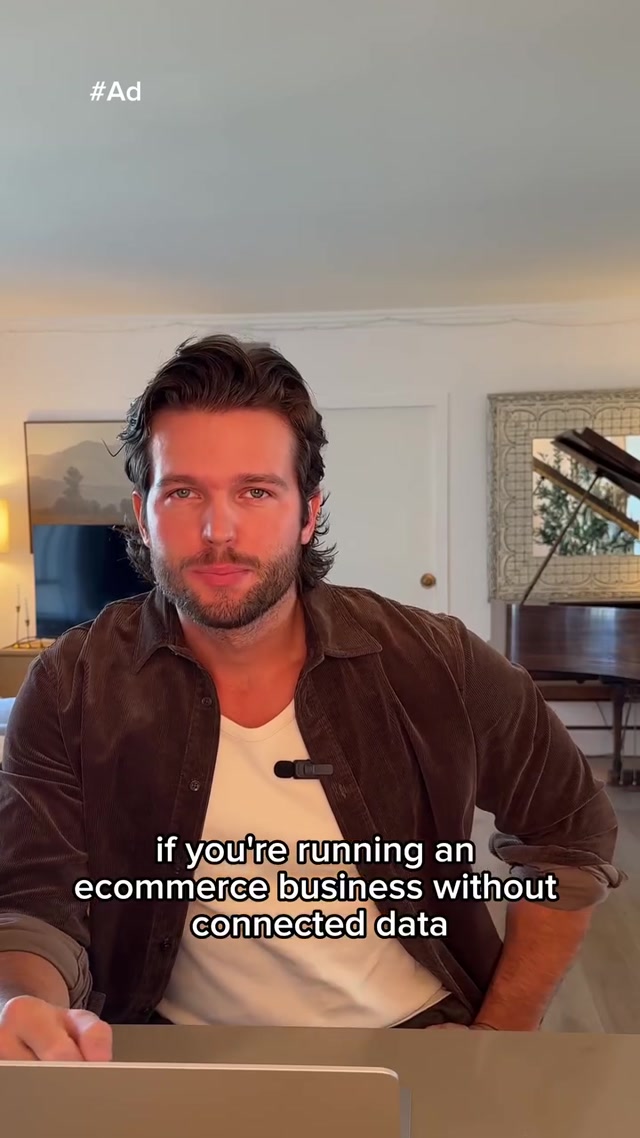
Beat 2 (0:00-0:04) — Role-Specific Opening: It frames the message as niche expertise by naming a specific marketing tool: “MailChimp your marketing with our GenAI features.” This positions the creator as someone who understands how marketers actually run campaigns, not just generic “marketing tips.”
Beat 3 (0:04-0:12) — Goal Context: It states the desired outcome: using GenAI to “save you tons of time” by “generating the first draft of emails and subject lines.” It also frames the benefit as quality-aligned—emails/subject lines that “actually sound like your brand.”
Beat 4 (0:12-0:20) — Feature Cascade: It rapidly stacks the product’s capabilities: “quickly review and A-B test send-ready emails” and then adds targeting context with “based on your industry and marketing objectives.” This creates a dense “all-in-one” value picture rather than a single benefit.
Beat 5 (0:20-0:26) — Feature Breakdown: It adds a specific capability to the personalization system: “you can insert personalized product recommendations based on your customer’s history.” This positions the recommendation insertion as a distinct feature you can deliberately use, not a vague idea.
Beat 6 (0:26-0:31) — The Easy Way: It promises a simpler, faster path to results: “Create effective marketing campaigns in minutes” using “the number one AI-powered email marketing and automation platform now with SMS.” This reframes the task from time-consuming work into an easy, quick setup that feels immediately actionable.
Beat 7 (0:31-0:34) — Redirect: It sends viewers straight to a specific website: “Check it out at MailChimp.com.” This functions as a direct destination cue, turning the message into an immediate next action.
Behavioral Psychology
This ad activates Competence Restoration as its primary behavioral mission. The viewer feels capable and in control because the product promises fast, brand-sounding drafts, easy testing, and personalized recommendations that make campaign creation feel straightforward. Competence Restoration behavioral mission
Structural Fingerprint
Duration: 34 seconds. Beat count: 6. Total cuts: 18. Average beat duration: 5.7s. Average cut duration: 2.2s. Average visual energy: 7/10.
Frequently Asked Questions
Why does this Intuit Mailchimp ad work? This Intuit Mailchimp talking head b-roll ad opens with a Role-Specific Opening hook that captures attention in the first 3 seconds. The psychological architecture activates Competence Restoration across 6 structural beats, each contributing a specific persuasion mechanism.
What hook does Intuit Mailchimp use in this ad? Intuit Mailchimp opens with a Role-Specific Opening hook. This leverages Role-Specific Opening by transferring credibility: the viewer immediately maps the speaker to the Mailchimp/marketing workflow they already use. That reduces skepticism and increases relevance, so the viewer stays to see what the “GenAI features” actually do in that exact context.
What psychology does this Intuit Mailchimp ad activate? This ad activates Competence Restoration as its primary behavioral mission. The viewer feels capable and in control because the product promises fast, brand-sounding drafts, easy testing, and personalized recommendations that make campaign creation feel straightforward.
How long is this Intuit Mailchimp ad and what's the structure? This ad runs 34 seconds with 6 structural beats and 18 cuts. Average cut duration is 2.2s. The pattern flow follows a full format structure common in talking head b-roll ads.
What platform is this Intuit Mailchimp ad running on? This talking head b-roll ad is running on facebook. The saas & software vertical typically sees strong performance on this platform for talking head b-roll creative structures.
What makes this different from other saas & software ads? Most saas & software ads lean on generic format templates. Intuit Mailchimp's version uses a distinct Role-Specific Opening hook structure paired with Competence Restoration — a combination that over-indexes in high-performing saas & software creative.